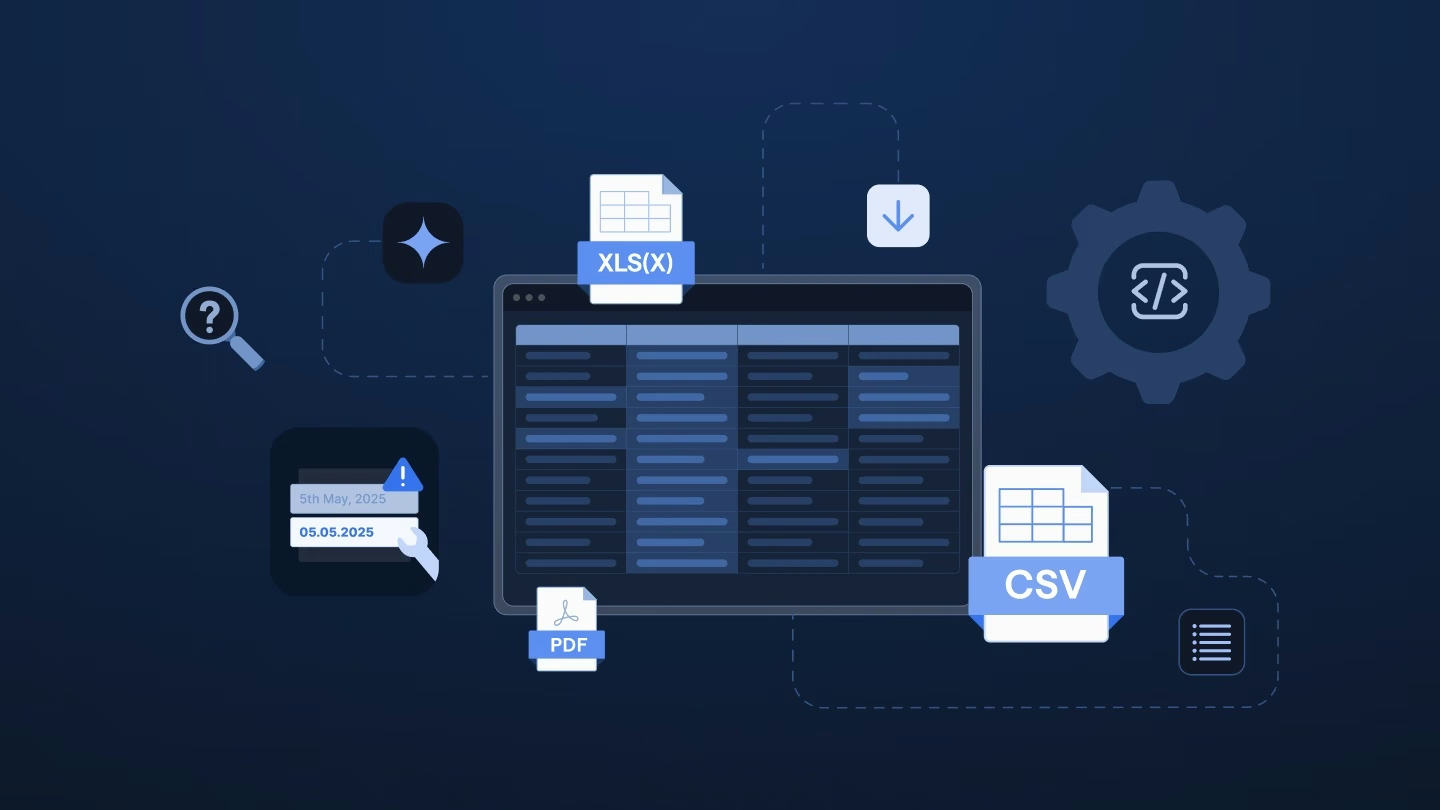
Data preparation tools aren't a new idea. Data teams have long used them to clean, transform, and enrich raw data before it's ready for analysis or machine learning. Platforms like Alteryx, Talend, and Informatica anchor this space, covering everything from ingestion to quality monitoring to governance, mostly for engineers and analysts standardizing how data moves inside their own systems. And it matters more than people realize: a CrowdFlower survey found that cleaning and organizing alone eats up roughly 60% of a data team's time.
However, there is a catch: this established category assumes you own the data, set the target schema, and control the timeline. Customer onboarding flips that around. Implementation and professional services teams have to work with whatever format a client's export arrives in, on a go-live date that isn't moving, without asking the customer to clean up their own file first. If that's closer to your actual problem than internal analytics, this guide breaks down how these tools stack up before you commit to one.
Embeddable upload widgets are components added directly into a product, letting customers upload files and map columns within your app. While fast to implement for self-service flows, they don't handle files sent via email or SFTP, internal team corrections, or high-volume recurring imports.
General workflow automation platforms connect apps and move data on a schedule. However, they assume consistent data structures and technical oversight. Renamed columns, extra tabs, or unexpected formats in customer files frequently break these automations.
Adjacent data tools address related problems like cleaning supplier files, connecting internal APIs, or storing curated data. While similar on the surface, these tools are built for internal systems or vendor relationships rather than receiving unpredictable customer files.
Purpose-built customer data onboarding platforms feature workflow canvases, intelligent column mapping, and dedicated interfaces for non-technical account owners to fix file errors. Two tools on this list fit this description, differing primarily in their target user persona.
Flatfile, which rebranded as Obvious in 2025, organizes work into projects: each new customer migration gets its own workspace, where a general AI agent helps guide the file through to approval. That’s a solid fit for a one-off migration or a file nobody’s handled before. What it isn’t built around is work that repeats: the same import running every month for dozens of accounts means opening a fresh project each time, instead of running a workflow your team already built, tested, and can hand off to anyone.
CSVBox does one job well: an embeddable widget your customers use to upload a file, map columns, and fix invalid rows, right inside your product. It’s fast to add and clearly built for a developer replacing a sprint of internal engineering work. What it doesn’t cover is everything around that button: files that arrive by email instead of through your app, the same import repeating every month for hundreds of clients, and configuration that always runs through engineering rather than the implementation team managing the account.
Dromo is an SDK: a component you embed, an API you call, and a dashboard where a developer sets up schemas and credentials. For a self-service upload button, it’s one of the more polished options available, and it can save real engineering time. It’s still not a platform an implementation or professional services team logs into and works from directly. Every validation rule and recurring import needs a developer, and files that arrive outside the app, by email or SFTP, have nowhere to go.
Make gives technical teams real control over data movement: a visual canvas, built-in error handling, and enough depth to route almost any structured data between systems on a schedule. That depth is also the catch. Configuring a scenario means understanding modules, bundles, and iterators, and a new customer layout can mean editing the logic by hand. It’s a strong pick when a developer owns the process end to end, and a harder fit when the person closest to a client’s account is the one who needs to fix what a file gets wrong.
Zapier connects almost any two apps in an afternoon, and for predictable triggers, a form submission, a closed deal, a new row, it’s hard to beat. Customer files behave differently. A Zap maps fields to an exact sample, so a renamed column or an unexpected tab breaks it, and there’s no built-in screen to review mapped data or fix a batch of failed rows before running it again. Zapier is a great fit for what happens after a file is already clean. It’s not built to make sense of the messy file itself.
n8n is a flexible automation platform with a large library of prebuilt integrations, connecting apps like a CRM, a support inbox, or a spreadsheet in minutes. It's visual, self-hostable, and a strong fit for moving data between systems that already speak a structured, predictable format. Customer files typically break that pattern: a static AI prompt can't adapt when a column gets renamed or added, and there's no screen for a reviewer to catch what didn't match. n8n handles clean, already-mapped data well. Parsing an unpredictable file before it arrives isn't the canvas's job.
Alteryx is built for trained data professionals: deep predictive modeling, spatial analytics, and real workflow power once someone has completed formal training. Operations and BI teams have built genuinely impressive recurring pipelines with it, handling files automatically once configured. The catch is who has to touch it when a file changes. Every renamed column or new record type has to go through that trained team, turning a same-day fix into a ticket relay that can take about a month. Ingestro puts that fix in the onboarding lead's hands instead.
KNIME can do almost anything in the hands of a trained data professional: a wide connector library, a free desktop platform, and enough depth for real data science work. That depth comes with a certification path built for data engineers and scientists, not implementation or onboarding leads. When a customer’s file changes, the request has to pass through whoever can open and edit the underlying workflow, and that person is rarely the one who owns the account. The result often looks like a relay: someone describes the change, and someone else eventually makes it.
Integrate.io is a capable low-code pipeline platform, and unlike most ETL tools, it has built specifically toward client data ingestion. That’s a meaningful step, and it’s still a different job from onboarding. Ingestion assumes a stable format and measures success in volume moved reliably. Onboarding assumes every new customer is a new layout, with a go-live date and no obligation from the customer to send something tidy. On Integrate.io, that variability still lands on whoever owns the pipelines, not on the implementation manager who understands why one client’s data looks unusual.
Parabola has one of the more polished interfaces in this category, with an agentic setup that turns a plain description into a working flow. It was built for finance and operations teams at consumer brands cleaning up files from suppliers, carriers, and marketplaces. That’s the supplier direction: formats stay reasonably stable, and the vendor relationship gives you leverage to ask for a fix. Customer onboarding runs the other way. Every new client arrives with a layout nobody has seen, and there’s no leverage to make a paying customer restructure their export.
Superglue works like a coding assistant for integration engineers: describe the system-to-system connection you need, and AI generates and maintains the code as APIs change. That’s real value for systems integrators connecting platforms like NetSuite, Sage, or SAP. It assumes structured, API-based data, though, not the flat files, inconsistent formats, and custom field names that arrive from customers directly. There’s no workspace for a consultant to review a client file, resolve errors row by row, or track which accounts are stuck.
Airtable is where a lot of implementation and operations teams already keep their client roster, and for good reason: flexible bases, real-time views, and automations that non-technical teams can build without engineering. What it wasn’t built for is the moment a customer’s spreadsheet lands. There’s no validation step before import, no queue for files that arrive by email or SFTP, and multi-tab workbooks or PDFs won’t import without conversion first. Airtable is a strong destination for clean data. It isn’t the front door for complex customer files.
OneSchema is the closest architectural match to Ingestro on this list: both give a team a canvas to build workflows that map, validate, and clean incoming customer files. The difference is who each one was designed for. OneSchema grew from an embeddable importer into a platform aimed at data teams and the engineers who serve them, with strong US healthcare compliance credentials, including HIPAA support. Ingestro was built the other way around, for the implementation and onboarding leads who own the customer’s go-live date, and holds ISO 27001 certification for European enterprise reviews.
Ingestro is an AI platform that helps global software and service providers prepare customer data at scale. Agents automatically detect headers, suggest mappings, validate data, and resolve issues, removing the need for custom integrations or templates for each new customer. Ingestro supports multiple file formats, turns plain-language instructions into editable data preparation steps, and keeps every run traceable through audit trails and version history. This setup makes onboarding faster without engineering support or headcount. The platform is ISO 27001:2022 certified, with a self-hosted option for enterprise security requirements.
| Solution | Key differentiator | Designed for |
|---|---|---|
| Flatfile | Project-based workspace with a general AI agent | Teams running one-off data migrations rather than recurring imports |
| CSVBox | Fairly affordable embeddable data upload widget | Developers adding a self-service import button |
| Dromo | Polished SDK for in-browser CSV and Excel uploads | Developers embedding a component into their own product |
| Make | Visual canvas with granular, developer-grade control over data movement | Automation engineers who maintain the logic themselves |
| Zapier | Large app library and a fast way to set up predictable, trigger-based automations | Teams automating stable app-to-app events |
| n8n | Visual, self-hostable automation canvas with a large integration library | Automation engineers connecting systems with stable, predictable formats |
| Alteryx | Deep analytics platform with predictive modeling and spatial tooling | Trained data professionals and specialist BI teams |
| KNIME | Free, open-source platform with deep data science and analytics capability | Trained data scientists and data engineers |
| Integrate.io | Low-code ETL and ELT with a dedicated client data ingestion offering | Analytics, RevOps, and IT teams moving data between known systems |
| Parabola | Polished, agentic workflow builder for supplier-direction files | Ecommerce finance and operations teams cleaning supplier data |
| Superglue | Self-healing, AI-generated code for system-to-system integrations | Software engineers connecting APIs like NetSuite, Sage, or SAP |
| Airtable | Flexible system of record with real-time views and no-code automations | Internal teams organizing their own curated data |
| OneSchema | Workflow canvas with strong US healthcare compliance credentials | Data teams and the engineers who serve them |
| Ingestro | AI-powered platform for automating customer data operations | Implementation, onboarding, and professional services/operations teams |
Feature checklists make this comparison more challenging than it needs to be, because most of these platforms can technically move a file from one place to another.
The more complex question is who does that work when an account manager is out sick, when a new regional layout shows up mid-quarter, or when your security team asks where the data physically sits. Teams without an engineering bench feel that gap first – and usually during a go-live week rather than during a demo.
Before you spend real evaluation time on any single platform from this list, three questions tend to separate a good fit from a familiar name:
None of the tools compared above are poorly built. Most are excellent at the job they were designed for. The real work is matching that job to your own, rather than assuming every result under “data preparation tools” solves the same problem.
See how easily you can turn your customer files into ready-to-use data with Ingestro’s AI agents.