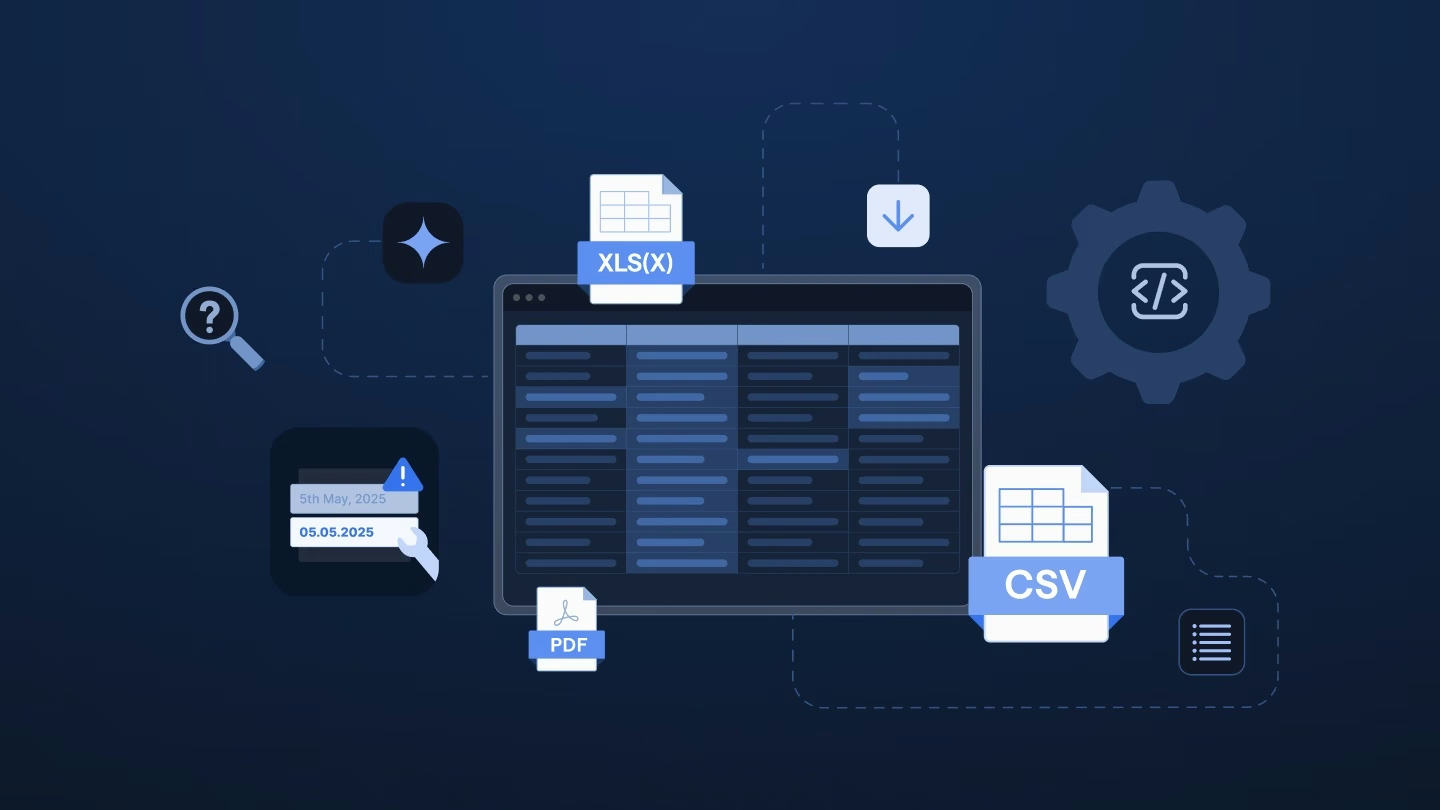
Every supplier thinks their file format is the obvious one. The price list arrives as a spreadsheet, the catalog as a PDF, and the invoice as a document with a header block and product lines underneath. Your system has one defined schema, and none of the three files matches it, so without automated tools, your operations team eventually reformats the data by hand.
Combining these formats into a single table takes two main steps: extracting the raw data, then mapping, validating, and cleaning it against your schema. Here is a breakdown of how these steps differ, why quick manual fixes don’t work over time, and how to set up an automated, streamlined pipeline with the right technology.
Two jobs hiding inside one question
Teams often look for one solution that “extracts and normalizes.” In practice, those are separate problems with distinct points of failure.
| Job | Question it answers | Typical approach | Where it breaks |
|---|
| Extraction | What’s in this document, and where? | Document AI services, open-source parsers, custom scripts | Layouts differ by supplier, and the output is raw text or tables, not your schema |
| Normalization | How does this content fit our schema? | ETL pipelines, spreadsheet formulas, importers, per-supplier mappings | Every new source needs new mapping logic, and errors get caught late |
Excel files mostly need normalization. PDFs and invoices need both steps in sequence. If you only extract data, you get clean text that still doesn’t fit your system.
Invoice tools usually handle just one document type. This guide covers a broader problem: processing invoices alongside price lists, catalogs, and stock sheets into a single schema.
Why supplier data arrives as PDFs, Excel files, and invoices at once
Suppliers don’t coordinate their formats. Each one sends what its own systems create, or what’s easiest for the person sending it.
Teams that process external data describe a consistent pattern: Most data arrives via email as spreadsheets, PDFs, or images – and a single file can combine data that belongs in different tables.
Consider a typical week:
- One vendor emails an Excel list with hidden tabs.
- Another sends a PDF catalog with embedded tables.
- A third attaches invoices with stacked line items. All three describe overlapping products, but none use your field names.
What the manual route costs
Manual data processing seems fairly “doable” for a single file. It’s a series of small tasks: copying tables, retyping totals, and checking product codes.
The cost shows up in the structure of the work:
- Finding errors takes time. Tracking down the cause of a failure often takes longer than fixing it.
- Specialists create bottlenecks. When custom rules live in a few minds, only those people can fix “failed” files.
- Scaling works only with headcount. More supplier files directly demand more manual hours.
- Work is repeated. One person extracts the data, and another reviews it before importing.
Reformatting a single file by hand is manageable – doing it for dozens of different layouts is where your team’s time disappears.
Why a PDF parser alone won’t solve it
When PDFs slow you down, a better parser feels like the answer. It might help, but it only solves part of the problem.
Extracted tables still use supplier terms. Column names, units, and categories won’t match your system out of the box.
Each common answer has a limit:
| Approach | Works when | Breaks when |
|---|
| Custom parser and scripts | One or two stable layouts | Layouts change, business logic moves into code, and every fix needs a developer |
| Document AI service | You need text and tables out of documents | You still need to map, validate, and clean the output into your schema |
| ETL pipeline | Sources are structured and stable | Sources arrive as PDFs or as spreadsheets with changing headers |
| Chat assistant | One small, low-stakes file | Results can differ from run to run, nothing enforces your validation rules, and there’s no record of what changed |
| Invoice-capture product | Invoices are the only document type | You also receive price lists, catalogs, and stock sheets |
AI chat assistants are often a popular quick fix. They can restructure a file based on your instructions. However, they work one prompt at a time, and nothing guarantees they will handle the next file the same way. For a recurring process with customer or supplier data, you need rules that run the same way every time and a record you can inspect.
What one schema has to settle for supplier data
A target schema is more than column names. It defines how to align different file structures. Here are common mismatches and the rules each one needs:
| Mismatch | Example | Rule to set |
|---|
| Header and line items | An invoice lists supplier and totals once, then many product lines | Model it as linked tables: one header record and many line records, joined by an invoice ID |
| One field versus two | A source holds one combined price where your schema separates list price and discount | Define the split once and apply it to every source |
| Categories and required fields | The product category decides which attributes are mandatory | Make required fields depend on category, and validate per category |
| Identifiers and joins | A catalog and a stock sheet describe the same product under different IDs | Choose one primary key, map the others to it, and flag duplicates |
| Corrections | A later file corrects a price in an earlier one | Decide whether corrections overwrite or append, and record which |
| Units, currency, and dates | Weights in pounds in one file and kilograms in another | Fix the target format, convert on the way in, and flag ambiguous values |
Two areas deserve a closer look. Per-category rules cause rework if a user selects the wrong category. Joins work best when unique IDs exist across both files.
How to build the pipeline, step by step
These steps work with any approach or platform:
- Define the target schema. List every field, its type, whether it’s required, and the rule behind it. Include linked tables where one document holds more than one record type.
- Collect samples in every format. Gather price lists, catalogs, stock sheets, and invoices from five to 10 suppliers, including the awkward ones. Anonymize them if needed.
- Extract documents into tables. Turn each PDF or invoice into one or more tables, and keep track of where each value came from in the document.
- Map, validate, and clean. Run every source, spreadsheet, or document through the same three stages in that order. Map source columns to schema fields, validate against your system’s rules, and clean what fails.
- Review by exception. Let rules handle clean rows, and send only low-confidence or failing rows to a person.
- Decide how to treat partial files. Choose whether a file with some errors is accepted with an error report or rejected, and apply that choice consistently.
- Route failures to a person. Put anything the rules can’t resolve into a short review queue instead of an email thread.
- Measure. Track hours from the first supplier file received to the first successful import, per supplier and per format.
Keep documents in the same flow
PDFs and invoices need more review because extraction varies. However, you should still keep them in your main workflow. They feed your central schema and require the same validation rules.
What to ask before you share supplier files
Supplier files can include prices, terms, and contact details. Before you send them to any vendor, ask these questions:
- Can you see what the AI extracted and where in the document it came from?
- Is confidence visible, so low-confidence values get extra review?
- What happens when a file has errors: is it accepted with a report, or rejected?
- Where does your data run, who can see it, and can you self-host, keep an audit trail, or bring your own LLM?
- Can a person review every proposed change before it applies, and are the rules that execute deterministic?
- Can your implementation or operations team run it without an engineering ticket?
- Can you test it on real, anonymized files before you commit?
If a vendor can’t answer yes to the last question, treat that as an answer.
Build, assemble, or buy
Prototypes are fast to build. A developer can write a script to parse a single PDF in a few days. The real cost comes later when you maintain the code.
| Custom parser | Assembled stack | Data onboarding platform |
|---|
| First working import | Fast for one or two layouts | Moderate, because several parts must connect | Fast once your schema is defined |
| When sources change | A developer updates the parser | Several components may need changes | You review the changed mapping and keep the schema |
| Who owns it | Engineering | Engineering plus whoever owns each service | Implementation and operations teams |
| Review and traceability | You build them yourself | You build them across components | Part of the platform |
| Edge cases | Handled one ticket at a time | Handled one ticket at a time, across more parts | Handled as reusable rules |
Decide who will maintain this pipeline in two years. If engineering time is limited, a purpose-built data onboarding tool makes sense. Building in-house works if you have available developers and stable file layouts.
Bringing PDFs and spreadsheets into one flow
The build-or-buy question comes down to one thing: who maintains the connection between what suppliers send and what your system expects? That’s the work we built Ingestro to take on. Ingestro is an AI platform for software vendors and service providers that regularly receive customer, supplier, and partner files across sources and formats.
Here’s how a supplier file moves through it:
- Upload in any format. Ingestro extracts the tables and other content from PDFs, and spreadsheets enter the same workflow. Documents stop being a special case that someone handles by hand.
- Restructure what was extracted. Your team can reshape the content into the tables your schema needs, for example, splitting an invoice into a header table and a line-item table. They can do that manually or describe the change to an AI agent. Optional AI steps can handle joins, splits, and nesting in one pass, and everything the agent does can also be done by hand.
- Map, validate, and clean. AI-powered data mapping proposes how each source fits your target data model. Validation checks the data against your system’s rules, and cleaning fixes what fails.
- Review before import. A team member reviews the output before it moves into your system.
Because PDFs and spreadsheets share one flow, the rules you set once can apply to every source in the same way. That includes category-dependent required fields, ID-based joins, and unit formats from the schema section above.
The practical difference from the assembled stack is that you maintain one schema and one set of rules, not a separate parser, pipeline, or script for each format.
Questions teams ask before they change the process
Can one platform handle both PDFs and Excel files?
Yes, in many cases. What matters is that extraction and normalization are connected, so documents and spreadsheets pass through the same mapping, validation, and cleaning.
Do I need a separate OCR step?
It depends on the PDF. A scanned document needs text recognition before extraction, while a text-based PDF doesn’t. Ask any vendor how it handles each type.
How do I handle different units or currencies?
Set the target format in your schema, convert on the way in, and flag ambiguous values. A person should review the flagged ones.
How is this different from a document AI service?
A document AI service typically returns what’s in a document. A data preparation platform also maps that content to your schema, validates it, and cleans it.
How is this different from an invoice-capture product?
Invoice-capture products typically focus on invoices. A broader approach handles invoices alongside price lists, catalogs, and stock sheets in one schema.
Do I need a template per supplier?
No, if you define one target schema. A new supplier changes the mapping, not the setup. Our guide on mapping files without a template per sender explains how.
A quick self-audit for your team
Before you look into fixing the process, get a clear picture of where supplier data enters today. These three questions give you a baseline:
- How many different formats did our suppliers send last month, and which ones did someone retype by hand?
- Which fields do we always correct, such as units, categories, or product IDs, and where is that rule written down?
- How many hours pass between receiving a supplier file and the first successful import?
If these issues sound familiar, manual data processing may be costing more than you think. Ingestro can take that same mix of PDFs, spreadsheets, and invoices and run it through one flow, from extraction to mapping, validation, and cleaning against your target schema. To see how this can work on your own supplier files, get in touch with our team.





.png)
.png)