A new client wants its first payroll with you in November, partway through the tax year. In many UK implementations, that still means setting up workbooks and templates the client fills in by hand, copying figures from old reports, and checking NI numbers line by line.
The Full Payment Submission (FPS) gets you most of the way. It’s the return every employer sends HMRC by payday. HMRC sets the fields, and most previous providers can produce an FPS for every month. Your consultant can build most opening balances from it before lunch.
The hours go into what the FPS doesn’t carry cleanly, which we call the FPS last mile. It slows a transfer in five places, and closing it can mean checking an import file instead of retyping figures.
| Five gaps the FPS leaves in a mid-year transfer | |
|---|---|
| Delay | Why it slows the transfer |
| Leavers | They only appear on the FPS while they’re paid, so a mid-year transfer needs every file from Month 1: up to 11 for a monthly payroll, dozens for a weekly one. |
| Corrections | An additional FPS replaces the earlier year-to-date figures. Add the files up, and the same pay counts twice. |
| NI letter changes | An employee who moves from letter A to C at State Pension age needs two sets of NI figures, because HMRC expects letter A on every FPS until the tax year ends. |
| Directors | The FPS shows the NI method, AN or AL, but never the appointment date. Teams typically ask the client or check Companies House. |
| No FPS at all | When the old provider charges for exit data or doesn’t offer the download, teams often rebuild the year from gross-to-net reports, tax code reports and PDFs. |
Teams often patch these gaps with converters, VLOOKUPs and Excel formulas that live with the person who built them.
One UK team said converting FPS files by hand took one and a half to two hours per client in Month 4. The team added that it gets slower as clients arrive with up to 11 files.
Ingestro is an AI platform that serves as data infrastructure for payroll implementation in the UK and in other markets. Its AI agents start from the raw exports your client already has, so you can skip the step where clients fill in workbooks and templates by hand. Ingestro proposes the mappings, validates the data, converts it to your format, and flags anomalies along the way, so customer data integration scales with your client base.
Your payroll expert confirms each mapping and rule before it runs.
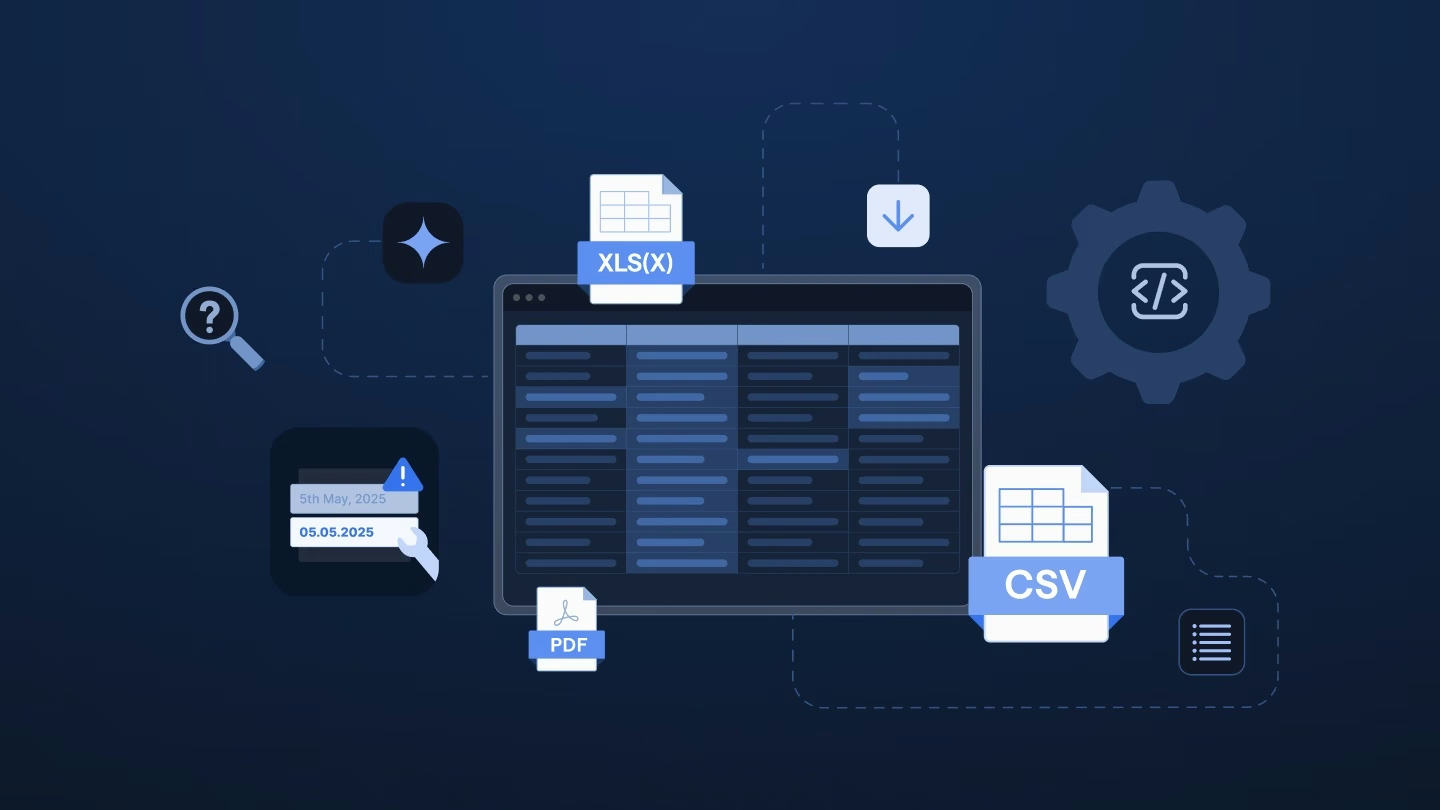
You can bring in every file the client can get: FPS XML, gross-to-net and tax code reports in Excel or CSV, PDF reports exported from the old system, pension files and the client’s own spreadsheets. For XML, you choose which parts of the FPS to extract and get them as tables.
Your flow combines every FPS of the tax year and takes the latest year-to-date figures per employee. It keeps leavers from the month they left and turns blank year-to-date fields into zeros, so your import file loads. Without an FPS, a second flow joins gross-to-net, tax code and pension reports on payroll ID or NI number. It derives values such as the NI bands using rules your payroll expert defines once.
Ingestro AI proposes how each column maps to your template and how values map to your codes. Then your payroll expert confirms each mapping and sets rules where a cell needs reformatting, such as splitting “1257L M1” into the tax code and the month 1 basis. The next client from the same system starts from the confirmed mapping.
Using Ingestro, you can:
You fix errors in bulk and see what’s still missing, such as a director’s appointment date or previous pay from a P45. Then you export just those rows as one clear request.
The saved flow takes in the old provider’s new files at the end of each run. Your team checks the totals against the P32 before loading.
Ingestro marks the values it cleans or reformats and keeps the original. You can self-host Ingestro and connect your own LLM.
In a proof of concept, a consultant on one UK implementation team timed the FPS conversion at a few minutes per client. That included the team’s own check against the P32. By hand, the same work took about one and a half to two hours.
A second flow, for a provider whose clients send gross-to-net reports instead of the FPS, saved at least 45 minutes per client, by the consultant’s own estimate.
In the last mile, your experts can confirm and check instead of rebuilding by hand.

Learn how the leading payroll and compliance platform moves customer data globally without manual reformatting.
Read customer storyIt comes down to the go-live date, your team’s capacity, and the client’s confidence in the switch. Here’s where each can give way.
Exit data often decides when your team can start, and you don’t control when it arrives. When a previous provider is slow, charges for the export, or doesn’t offer it at all, the date can slip before anyone has opened a file.
NI letter changes, directors’ appointment dates, and leavers don’t come through the FPS cleanly, so someone on your team typically keys them in or rebuilds them by hand. That person’s hours are the same hours your next implementation is waiting for.
Every hour on workbooks and templates is an hour your experts can’t spend with the client, and those conversations are where confidence in the switch gets built.
If one of these is already holding up a go-live, book a payroll demo for the UK with our team. Bring your template and files from one of your clients’ previous providers, and we’d be happy to show you how much of the last mile Ingestro can take off your team, with your payroll expert confirming every mapping.
See how easily you can turn your customer files into ready-to-use data with Ingestro’s AI agents.




.png)
.png)