Many implementation, onboarding, and professional services teams run on Airtable – and for good reason. Your client roster lives in a base. The interface gives you a clean, real-time view of every account’s progress. Automations handle the follow-ups. It’s flexible, fast to set up, and lets non-technical teams build custom tools without waiting on engineering.
So when a customer emails a spreadsheet, the obvious question is: “Can we just import it into the base?”
You can. And the reasons it stops working aren’t necessarily Airtable’s shortcomings. They come from asking a system of record to do a job it was never designed for.
Airtable was built for data your own team creates and curates. Somebody inside your company decides what a field means, types the value, and maintains it. Every part of the product assumes that: the field types, the views, the automations, the interfaces.
Customer file intake inverts the assumption. The data comes from someone who doesn’t work for you, out of a system you’ve never seen, with column names that made sense to them, in a file whose structure you discover when you open it.
Airtable isn't designed for that moment. It's built for what comes after, once a data preparation tool has handled the intake..
Airtable’s import path is an admin action. A person with access logs in, opens a base, and imports a file. It assumes the file is reasonably clean, reasonably small, and reasonably close to the structure of the table it’s going into. For an occasional migration of your own data, that’s fine.
If you’re taking in dozens of files a week from different clients, that means tens of manual sessions every week. Someone on your team has to tweak each file by hand just to make it fit. On top of that, multi-tab workbooks, XML exports, and PDFs won’t import at all unless you convert them first.
Specifically, there’s no:
The bigger gap is what happens to bad data.
Airtable has no validation stage. There’s no step where a person sees the rows that don’t match, understands why, and fixes them before they land. You import and look at a grid of records that already exists in your base.
Nothing intercepts a bad file, because there is no before.
Teams build review screens in Interfaces to compensate, and they work up to a point. But an interface can only show you a record that already exists, and it fixes records one at a time. Customer files fail by the column:
That work ends up in a spreadsheet next to Airtable, fixed by hand, and pasted back in.
Someone in your company is the Airtable expert. They built the automations, the linked tables, the interfaces, and they’re the reason the base works. They also became the owner of your customer intake process – without anyone deciding it.
An implementation manager can import a file. They can’t safely change the apparatus around it, so when a customer’s file arrives in a different format, the request goes to the person who built the base. When that person is on vacation, it waits. A base doesn’t explain its own intent, so a colleague opening it sees fields and automations without knowing which ones are load-bearing.
That’s the same single point of failure every internal tool develops when it’s stretched to cover an external problem, and it sits in front of a go-live date that doesn’t move.
This isn’t an argument for leaving Airtable. It’s an argument about where intake should happen.
Airtable is where data lives once it’s right, and it’s a good place for that. What it needs in front of it is something that takes whatever the customer sent, in whatever format, gets it into the right structure, lets the person who knows the account fix what needs fixing, and hands over clean data.
Once that exists, the base receives records that are already correct, and Airtable goes back to doing the job it’s good at.
That’s the role a platform like Ingestro plays: it takes whatever a customer sends, however messy or unfamiliar, checks it against your own systems, and hands over clean, structured data to Airtable or wherever it needs to go.
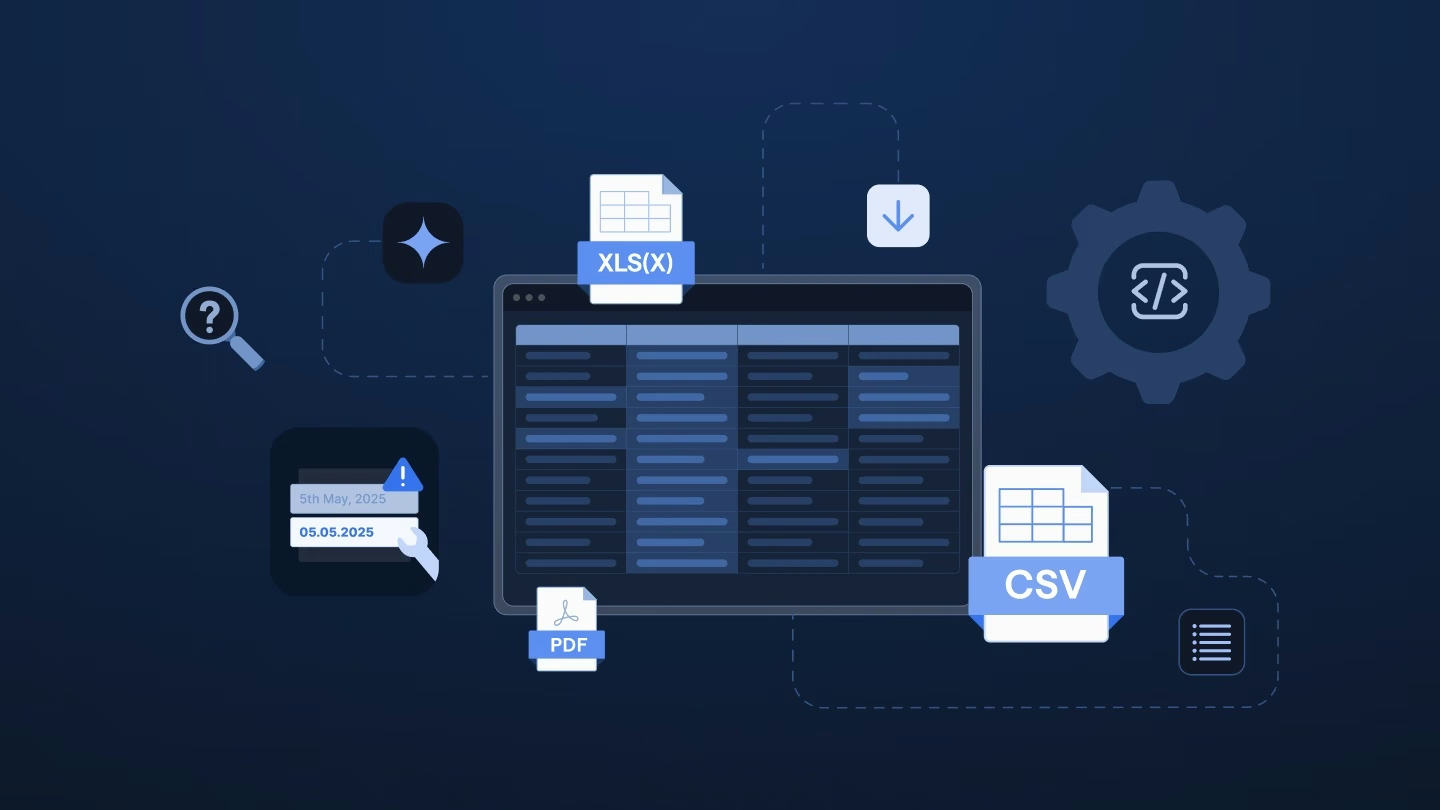
It picks up files however they show up: CSV, Excel with several tabs, XML, JSON, or PDF, arriving by upload, SFTP, HTTPS, cloud storage, or email, on a schedule or the moment they land.
It matches columns to your target structure on meaning rather than exact header text, so a renamed field breaks nothing and a new customer’s layout needs nothing built for it.
The mapped data appears in a grid that behaves like a spreadsheet, where the implementation manager sees warnings and errors on the rows that need attention and fixes a whole column with one plain-language instruction. Validation can call your own systems during the import, so duplicates and broken references are caught before anything is written anywhere.
The implementation team builds the workflows themselves, on a canvas, without an engineer, and a colleague can open them when the builder is away.
Only clean, structured data goes downstream, into Airtable or wherever it belongs. On the compliance side, Ingestro carries ISO 27001:2022 certification, comes with a shared Slack channel, and a solutions architect on the business tier. There’s also an embeddable, white-labeled importer for when customers want to clean up their own files directly.
Is the place where your data lives also the place that should make sense of what your customers send? Most teams never really chose that. Airtable was just already there when the first file showed up.
Take your largest recent customer workbook and run it through Ingestro before it reaches Airtable. See how much of the old process was ever really a choice, and how much was just a habit nobody questioned.
See how easily you can turn your customer files into ready-to-use data with Ingestro’s AI agents.