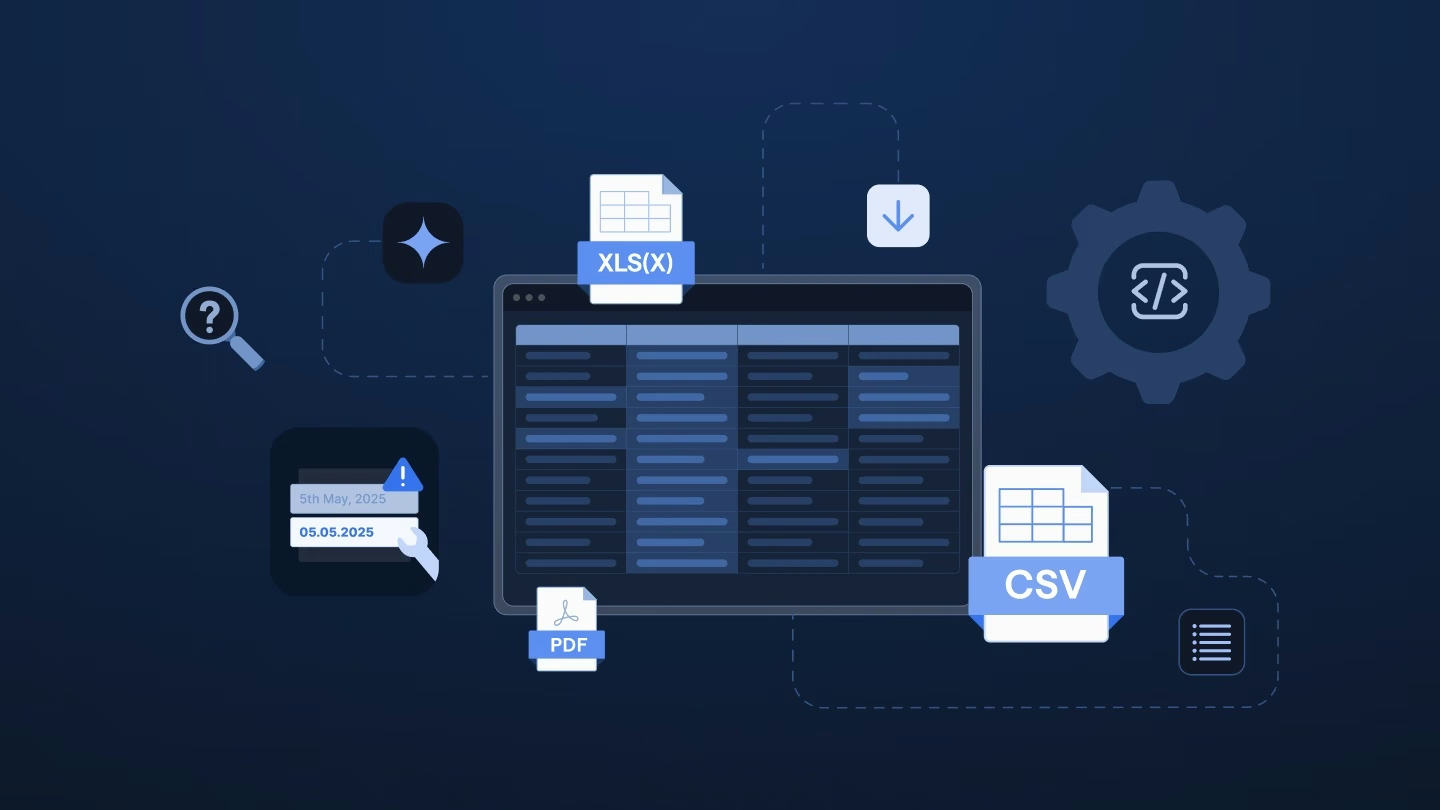
When basic workflow automation falls short for customer file intake, Make deserves a closer look than most alternatives. It outpaces Zapier by handling larger files, parsing tricky formats, and giving you real control over data movement.
You get robust error handling and a visual canvas to fine-tune every transformation step. Still, teams often miss a key point: Make caters to automation engineers, but non-technical teams usually handle customer onboarding files.
If your company has a dedicated technical owner for automations, Make impresses. When a file arrives, a scenario picks it up, splits it into rows, routes each piece, and delivers the final result. The canvas clearly displays every step, and built-in error handling prevents unexpected failures.
For moving structured data between systems on a schedule, it's one of the best data preparation tools for the price. Teams do run customer intake on Make, and it works. The real question is who must maintain it and how much time it takes.
Make’s strength lies in exposing raw mechanics: modules, bundles, iterators, aggregators, and mapped fields. That works well for a developer building a precise pipeline, but it can quickly overwhelm the manager who handles the customer relationship.
Picture an implementation manager working against a Friday deadline. They understand well the customer’s unique setup, which spreadsheet is accurate, and what finance needs.
Open up a Make scenario, though, and it looks like a circuit diagram:
Everything that person knows about the customer offers little help in that interface. They pass the file to the scenario owner, and onboarding stalls in a queue again.
Make works exactly as intended, but it was built for technical users.
Three practical realities of customer files conflict with Make’s core design.
Input structure changes constantly. Scenarios rely on strict assumptions about data layout. When clients rename, add, or reorder columns, the scenario breaks. At twenty customers, that’s an annoying maintenance chore. At two hundred, it turns into a full-time job for a developer instead of an onboarding specialist.
Customer files are messy and inconsistent. Think multi-tab Excel workbooks with interdependent sheets, legacy XML files, or PDFs containing tables. Make can process some formats natively, but others require custom logic. Either way, setting it up takes technical skill.
There’s no place to clean data interactively. When rows fail, Make pauses execution to prevent corruption. However, it lacks an inline spreadsheet view to spot bad rows and fix an entire column at once. You end up exporting data to Excel, fixing it manually, and rerunning the scenario.
Make is a workflow automation platform designed for technical operators who want visual control over data pipelines, and it does that job well: clear branching logic, transparent execution, and the ability to wire together complex, multi-step processes by hand.
It's a different story for customer-facing teams running complex software implementations, where:
That’s simply a different operational problem, not a flaw in Make’s quality.
If you’re already using Make, the real decision is where its job starts and ends.
Make excels at routing clean, validated data across your tech stack. Let it handle that downstream logic. It shouldn’t have to interpret messy raw client files – that work belongs in a platform purpose-built for implementation teams.
Dedicated intake platforms handle recurring, unpredictable file imports before automation takes over. Key differences include:
Platforms like Ingestro target delivery and customer onboarding teams directly. The main point is simple: automation isn’t the hardest part of onboarding. Ingesting messy customer data reliably with non-technical owners is.
Before your team builds another Make scenario for customer file intake, ask:
Every time a simple file fix turns into an engineering ticket, ask why. Give your onboarding team the file that caused the last issue, and see how far they get in Ingestro on their own.
See how easily you can turn your customer files into ready-to-use data with Ingestro’s AI agents.