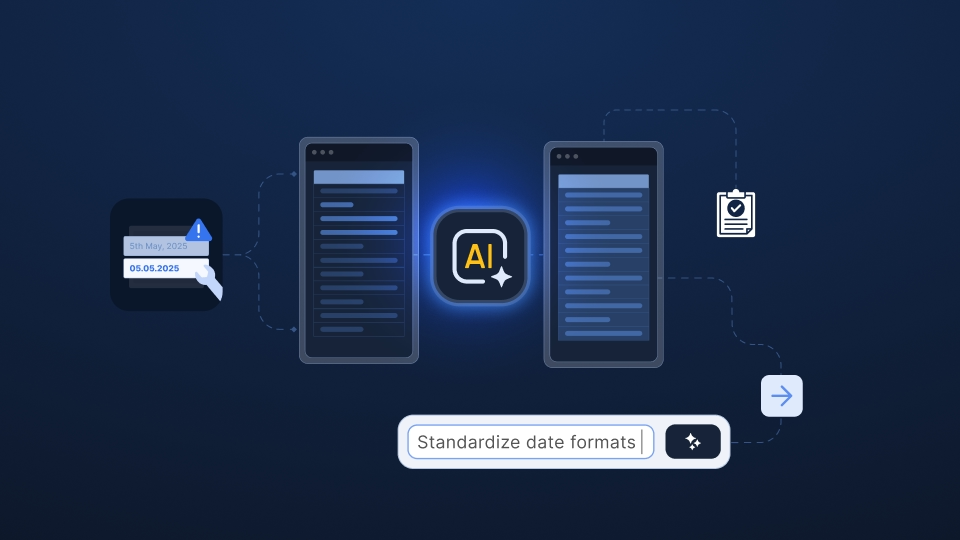
The pattern is familiar: file a ticket with the BI team and wait, or paste the file into ChatGPT one conversation at a time. More recently, a third option has emerged. An implementation or onboarding manager (or a product manager building it for them) sets up the process in n8n: a trigger picks up the incoming file, an AI node interprets it, and a final step sends the result where it needs to go.
The appeal is obvious: no ticket, no backlog, no waiting on another department’s priorities. You own the flow end-to-end, you built it yourself in an afternoon, and you didn’t need anyone’s permission to do it. For anything beyond a handful of predictable files, though, it turns out to be a different version of the same problem we keep coming back to here.
n8n is marketed as a flexible automation platform and has earned quite some popularity. It connects to almost anything through a large library of prebuilt integrations, so wiring your CRM to your support desk to a spreadsheet is often a matter of minutes rather than a project.
It’s visual, which makes a workflow’s logic easier to follow than a script buried in someone’s repository. You can self-host it, which matters to teams with real data residency requirements – and its community is large and active, so there’s typically an example workflow close to whatever you’re trying to build.
For connecting systems that already speak in structured, predictable formats – an API response, a webhook payload, a database row – it’s a strong fit. The trouble starts with the specific job this series keeps returning to: interpreting a customer file you’ve never seen before, in a structure you can’t predict.
The typical build looks something like this:
On the whiteboard, and on the first few test files, it works, and it feels like real progress. The team that built it owns it outright. Nobody had to ask data engineering for anything.
The problem is that this pattern embeds a set of assumptions behind the scenes in the workflow that a real intake process can’t afford to bake in:
An AI node is typically a single prompt with fixed instructions: “Extract these five fields, in this format.” This works perfectly until a customer submits a file with six fields, changes a column name, or rearranges the structure. Unlike a true mapping system that adapts to the data, a static prompt is unforgiving.
If the file structure changes even slightly, the flow breaks – either by processing the wrong data in the background or by throwing an error that blocks the entire pipeline.
The n8n canvas is where you build the workflow. It isn’t a place where an end customer, or even your own implementation team, can look at a proposed data mapping, see what didn’t match, and correct it. When something goes wrong, the typical outcome is a failed run and a Slack alert, not a clear place to fix the problem and move on.
This is the part that looks like an advantage early and becomes a liability later. Whoever built the flow – often a single implementation or product manager who happened to be comfortable wiring nodes together – tends to be the only person who fully understands it, with documentation that lives nowhere except in their head.
If they move on to a different role or leave, the workflow essentially turns into a black box. No one else understands how it's wired, and trying to untangle someone else's complex mess of AI calls and custom code is a headache most teams just aren't prepared to handle.
Individual node runs may be logged, but tracing exactly why a specific value ended up where it did across multiple AI calls and transformation steps can still be difficult. For workflows involving payroll, financial, or personal data, “the workflow did it” is not much more useful than “the AI did it.”
A flow that handles three test files gracefully behaves differently at 50 files a week. AI node calls typically run per file, sometimes per row, so cost and latency grow in step with volume in a way that’s easy to miss until the invoice or the run time makes it obvious. And partial failure – row 40 of 200 being malformed – is rarely designed for from the start. It gets bolted on after it happens once in production.
One person wiring an AI node into a workflow can, without much friction, send payroll files, financial records, or personal data to a third-party model API with whatever settings happened to be the default. That isn’t a criticism of the person doing it; it’s a structural gap. The workflow was built fast, by one person, outside the view of whoever in the organization would normally sign off on where sensitive data is allowed to go.
This is the part worth sitting with. Building the flow yourself feels like the opposite of depending on someone else. No ticket, no backlog, no waiting on another team’s roadmap. Look at what happened, though: the workflow now depends entirely on one person’s node graph, fully understood by exactly one head, invisible to compliance until something breaks, and silent about its own reasoning the moment an AI call is involved.
That isn’t independence from a bottleneck. It’s a bottleneck that’s one person deep instead of one queue long, and it tends to surface at the worst possible moment – right after that person has moved on to something else.
This does not mean replacing n8n entirely. It means using it where it fits and knowing when a purpose-built data preparation tool may be better. For teams handling customer files regularly, the main alternatives usually fall into three groups.
Keep n8n for orchestration, not interpretation
n8n is at its best moving structured data between systems. If you keep it, use it for what happens after a file has been mapped, validated, and approved – the notifications, the handoffs, the downstream updates – rather than asking a single prompt to interpret whatever a customer uploads.
Dedicated customer data onboarding platforms
These solutions are purpose-built for recurring customer file workflows, with capabilities that make them easier to manage and scale:
Ingestro, for example, also supports self-hosting and bring-your-own-model setups, which can be relevant for teams working with payroll, financial, or personal data.
Suites like Talend, Fivetran, or Workato are strong when the source is a known system with a stable schema.
ETL tools and iPaaS platforms are less suited to customer spreadsheets. They are good at connecting systems and scheduling data pipelines but less effective at interpreting an unpredictable file and helping non-technical reviewers fix errors. If you already license one, it may cover the movement of data well while still leaving the interpretation step to a person.
Which of these makes sense depends on how often customer files arrive, how varied they are, and who in your organization must inspect and correct the system’s decisions. A team receiving a few predictable files a month may be fine with n8n and a careful prompt. A team onboarding customers every week, from sources it can’t control, typically isn’t.
If your team already handles customer files in n8n, the key question is not whether the workflow works today. It’s whether it stays reliable as more customers, file formats, and edge cases are added.
A few practical questions can help:
If those answers are uncomfortable, it’s worth seeing what the same idea looks like when it’s built to be owned by a team instead of one person’s weekend project. Take the file your flow struggles with and run it through one of the platforms above.
See how easily you can turn your customer files into ready-to-use data with Ingestro’s AI agents.




.png)
.png)