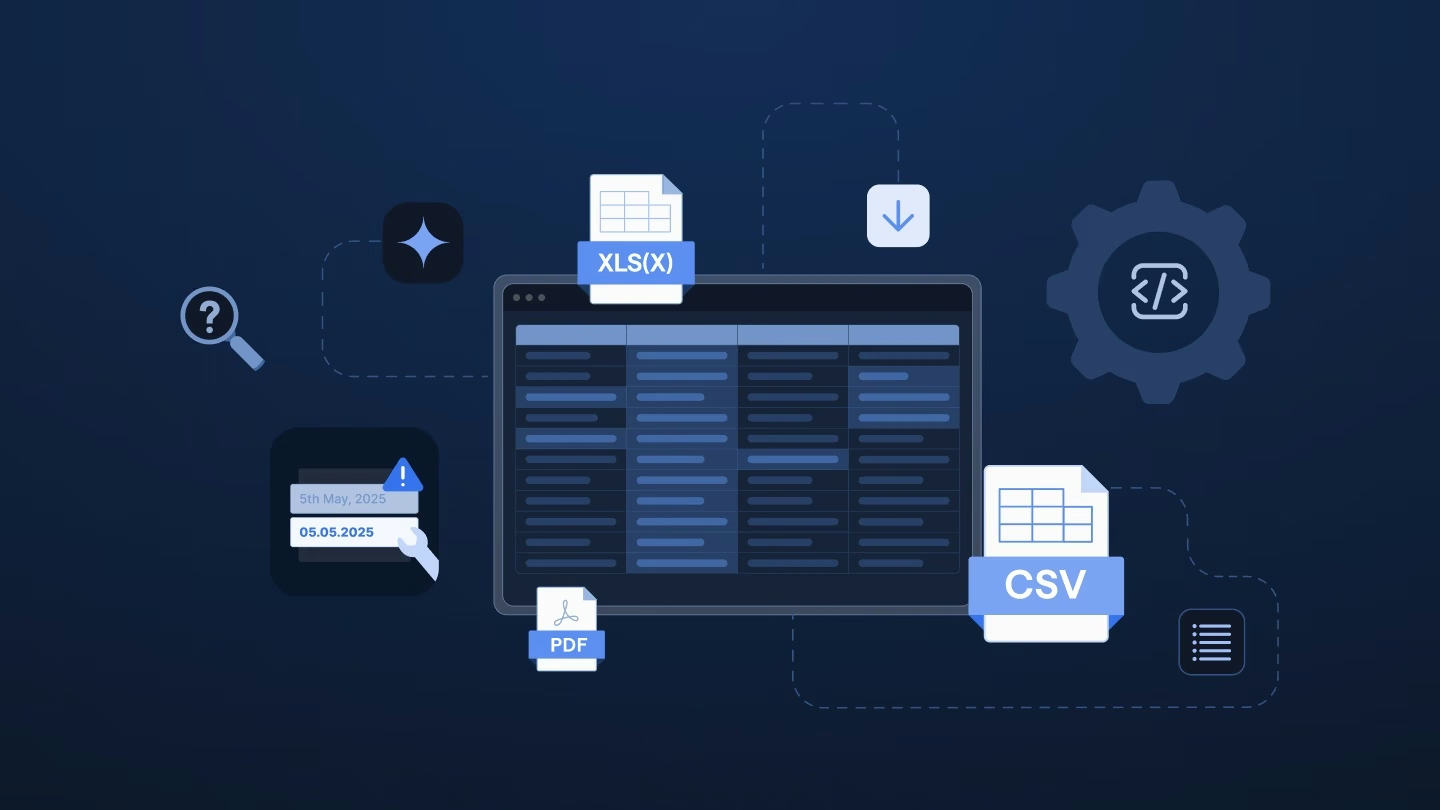
If you’ve ever managed software onboarding, you’ve probably seen this before. A customer emails over a spreadsheet. Tired of copying rows by hand, someone on implementation spends their lunch break spinning up a Zap: email comes in, attachment gets grabbed, a formatter step parses it, and the data lands where it belongs.
It works well, and it feels like a real win. No dev tickets, no waiting on engineering. The implementation team owns the customer experience and the automation, too.
Then a customer tweaks a column header. Another sends a workbook with three separate tabs. A third sends a file type the formatter step has never seen. Suddenly, that sense of freedom turns into a messy pile of one-off Zaps that only one person knows how to fix.
Zapier excels at connecting just about any app to any other app. With thousands of integrations, prebuilt triggers, and a simple builder, non-technical teams can get up and running in an afternoon. For moving data between systems when a predictable event occurs, it’s tough to beat. When a form is submitted, create a contact. When a deal closes, post in Slack. When a new row is added, send an email.
That’s what Zapier was built to do, and it does it well. But customer files are a whole different story. They aren’t predictable triggers from systems you control. They require something Zapier wasn’t designed for: making sense of unexpected file layouts and messy data, hundreds of times a month, without breaking.
Typically, three main issues break this setup, and they tend to hit in the same order.
A Zap maps fields based on exact field names from a sample file. That works fine when the source system doesn’t change, but it falls apart when real customers get involved.
Customers rename headers, add columns, or reorder data. This month’s export might look completely different from last month’s simply because someone else generated the file or updated their system.
Any subtle change breaks the Zap right where those rigid assumptions were made. Before long, twenty customers with twenty different formats means maintaining twenty separate Zaps. Zapier doesn’t recognize “this is an employee file” regardless of layout. It only recognizes the exact structure it was originally shown.
Simple CSVs work well at first, but real-world files are rarely clean. Customers send Excel files with multiple sheets where data on one tab references another, raw XML from legacy systems, or even scanned PDFs.
While Zapier can handle basic CSVs natively, anything more complex requires adding third-party data preparation tools into the chain. That means extra SaaS costs, more API keys to manage, and more points of failure.
This is the biggest hurdle. Zapier’s strength is empowering implementation managers to build integrations without engineering help. The downside is that non-technical users quickly run into walls when handling complex conditional logic, data validation errors, or hundreds of unmatched rows.
Zapier lacks a native interface to review mapped data, spot errors, and fix them in bulk before importing. Instead, any failed row simply throws an error task.
That means going back to Excel to clean up the file manually, re-uploading it, and hoping the Zap processes it cleanly this time.
Zapier is a great workflow tool for predictable, app-to-app automations. But it’s not built to handle chaotic incoming file imports at scale. That’s not a knock on Zapier. It’s just how the product was designed.
Using Zapier isn’t the problem. The problem is relying on it for enterprise customer onboarding and data migration when it was only designed to sync data between APIs.
You don’t need to throw out Zapier altogether. Keep using it where it shines, but consider dedicated solutions for handling customer files. Most teams end up using a combination of two approaches.
Zapier is great at routing structured data. Stick with it for post-import tasks, like sending Slack updates or triggering downstream webhooks, once a file has already been parsed and validated.
Dedicated platforms are purpose-built for messy, multi-format customer data intake. They give you:
Ingestro is built specifically for implementation, onboarding, and customer success teams. Automating the flow is easy. The real challenge is handling whatever messy files your customers throw at you.
If your customer onboarding currently relies on Zapier, the key question isn’t whether it works right now. It’s whether it will scale as you grow.
Try to answer the following questions:
There is a simple way to find out: pull the customer file that gave your team the most trouble recently, and run it through Ingestro instead.
See how easily you can turn your customer files into ready-to-use data with Ingestro’s AI agents.