The kickoff call goes well, and implementation starts on schedule. Then the client sends their payroll spreadsheets, and the data format doesn’t align with your system’s requirements.
Anyone involved in payroll implementation knows this pattern well. Each client structures employee, earnings, deduction, and tax data differently. Before any data can load, implementation managers have to translate the client’s file into the structure the system expects.
Closing this format gap is manual work that typically sits with a few experienced people who hold the mapping logic in their heads.
The good news is that teams don’t have to keep closing this gap by hand. Below, we break down what the payroll data format gap is, what it costs companies in time and margin, and how AI data mapping can close it at the file level.
What is the payroll data format gap?
The payroll data format gap is the difference between the data format a client can hand you and the data format your payroll system can accept.
Your target data format is fixed – client files coming in rarely are.
We hear the same frustrations from implementation and operations leaders across payroll, often in nearly identical words:
- Provider-dependent structures. What a client can send depends entirely on which legacy system they’re leaving. Each provider exports differently, and new providers keep appearing that your team sees for the first time mid-project.
- Inconsistent field names. The same data point may arrive as employee number, payroll ID, or works number, depending on the source system. Your consultants only learn the variations through repeated exposure.
- Unstable layouts. Header rows wander between line five and line ten from one delivery to the next. Even standardized outputs, such as UK FPS files, can be interpreted differently by different payroll systems.
- Fragmented delivery. Employee data often arrives spread across three to six separate reports, with duplicated records that need to be merged on an identifier named differently in every file.
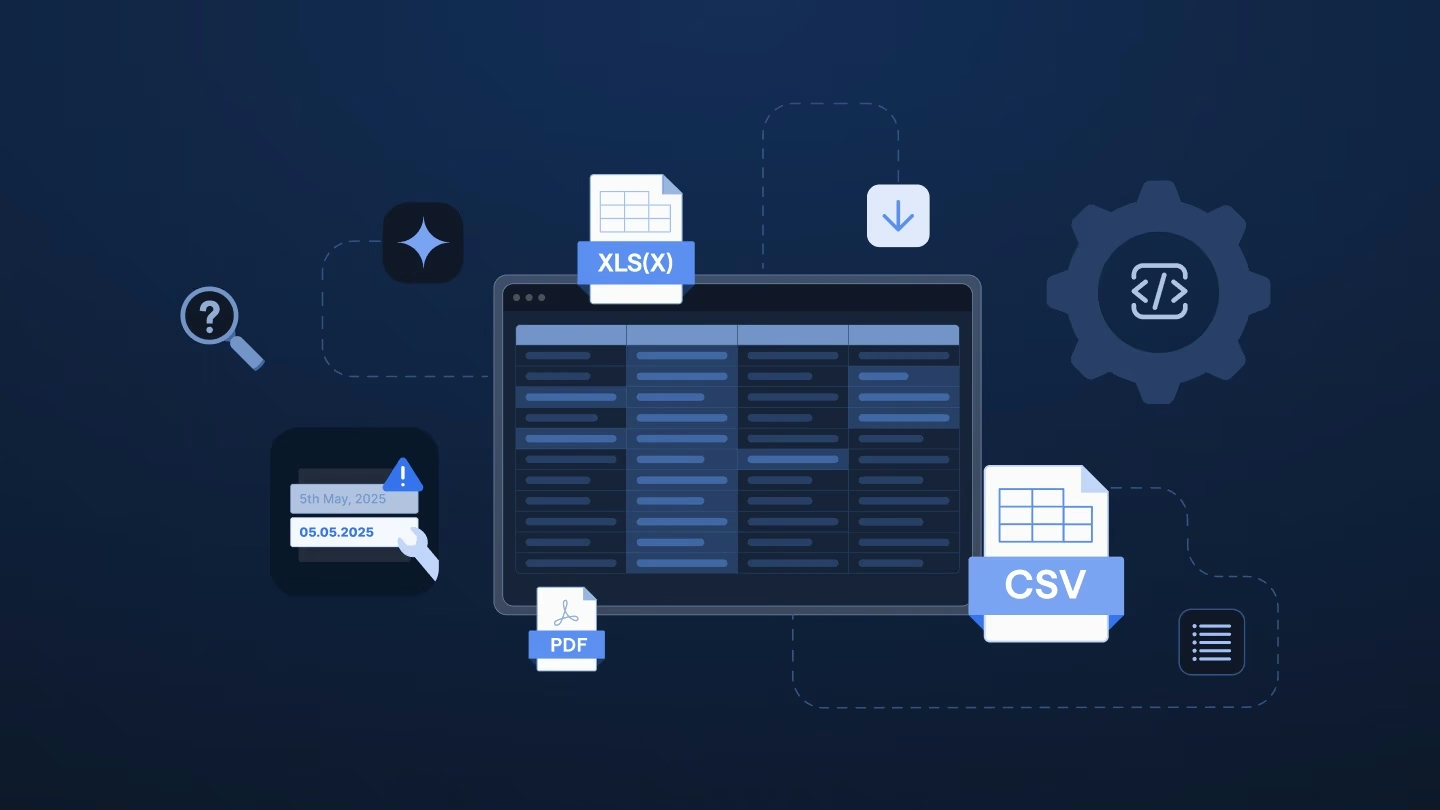
- Unstructured formats. Some legacy providers export PDFs instead of structured data as Excel or CSV files. Implementation teams often describe these handovers as the most painful part of the entire onboarding.
One implementation leader pointed to the irony directly: clients who’ve outsourced payroll for years often don’t know their own data anymore, yet they’re the ones asked to deliver it in a precise format.
Why templates seemed like the answer, and why they fall short
When every client file looks different, building a template for customer data onboarding often feels like the obvious fix. You define the exact columns your system should accept, hand the spreadsheet to your implementation team or the client, and ask them to fill it in. The destination is now standardized.
The source, however, isn’t. That’s the structural flaw: a template defines what you need, not how to get there from whatever the client exported. The transformation work between the two formats stays fully manual, and it lands on one of two desks:
- Your implementation managers, who convert legacy exports into the template through copy-paste work and VLOOKUPs, file by file, client by client.
- Your clients, who receive a multi-tab workbook with dozens of mandatory columns and are expected to populate it from systems they may not even have reporting access to.
Either way, the work gets done by hand. As volume grows, the workaround starts causing more problems than it solves:
- Template libraries keep growing. One payroll software provider’s team maintained around 30 template variations for different source systems. An HR and payroll vendor counted roughly 100 import templates, with 10 to 15 separate imports needed per implementation.
- Validation arrives too late. Format rules often live in hover comments or in nobody’s documentation at all, so CSV import errors typically surface only at the moment of import. Each failed import triggers another email loop with the client – queries sent, files annotated, gaps returned for completion.
- Knowledge stays in people's heads. Which provider exports what, and how to wrestle it into the template, becomes senior-consultant tribal knowledge. New hires take months to ramp, and a single absence can stall an onboarding.
- Clients push back. Implementation leaders report clients asking why they must retype data their HCM system already holds, and complaining about providing the same information twice across overlapping templates.
In other words, a template doesn’t close the format gap – it formalizes it.
What the format gap costs your organization
For implementation and operations leaders, manual data mapping isn't just an operational headache. It carries real business costs:
| Operational pain |
Business impact |
| Consultants spend hours per client on copy-paste and VLOOKUP work |
Implementation cost per client rises; skilled consultants do spreadsheet work instead of client-facing consulting |
| Error loops run through email, with files bouncing between team and client |
Time-to-first-payroll stretches from days into weeks, delaying revenue recognition |
| Format knowledge lives in senior consultants’ heads |
Ramp time for new hires grows; key-person risk on every project |
| Every new client requires the same manual conversion, even from a known source system |
Onboarding capacity scales only with headcount, hiring becomes the growth ceiling |
| Clients struggle with template workbooks |
Onboarding experience suffers during the phase that sets the tone for the entire relationship |
One aspect deserves attention: repetition is the silent cost. When the second client arrives from the same source system, the conversion work often starts from scratch, because nothing from the first project was captured in a reusable form. Your team solves the same mapping puzzle repeatedly and pays for it every time.
How AI-powered data mapping closes the gap
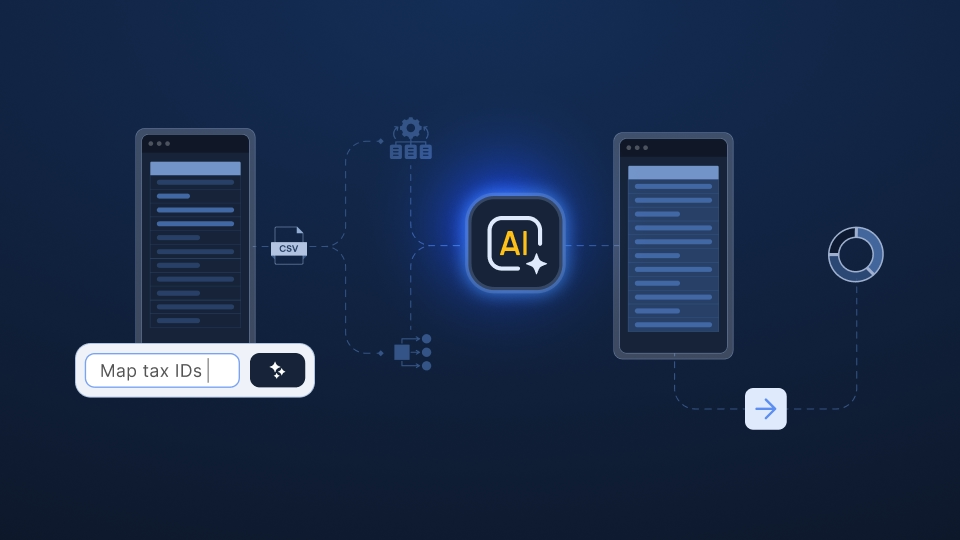
AI data mapping inverts the template logic. Instead of forcing every source into one rigid input format, it reads the customer file as it arrives and translates it into your system’s required structure. The format gap gets solved once per source system, not once per client.
That shift changes the economics of delivery in four ways:
- Capacity stops tracking headcount. Manual mapping caps how many clients you can bring live at the few people who can read unfamiliar files. AI-powered mapping lifts that ceiling, so taking on volume no longer waits on hiring.
- Time-to-first-payroll becomes predictable. When mapping is the manual bottleneck, go-live dates depend on who is free and how unusual the file is. When it isn't, dates rest on a repeatable process and hold.
- Expertise moves into the system. Manual mapping locks critical knowledge in a handful of heads, so one person leaving can stall the work. Holding that logic in AI-powered mapping keeps delivery consistent as the team changes.
- Each new client builds on the last. Manual mapping restarts the same puzzle every time. AI-powered mapping reuses prior work, so the cost of each additional client from a known source falls instead of resetting.
That last point is where the advantage compounds. Once a source format has been mapped, the next client from that provider starts ahead, and the effort that used to repeat with every onboarding accrues instead.
The takeaway for leadership is simple: mapping stops being a recurring tax on every project and becomes infrastructure that strengthens as volume grows, which is the difference between scaling delivery and scaling the team that performs it.
The AI trust questions, answered honestly
Payroll data leaves little room for error, and the skepticism implementation leaders voice about AI mapping is consistent across conversations. Three questions come up repeatedly, and they’re the right ones to ask any vendor:
- Will AI hallucinate my payroll data? AI should propose the mapping. Deterministic, inspectable rules should execute the transformation. Suggestions stay reviewable by your team before anything is applied.
- Do we lose control over changes? The bar to set: every modification logged, row by row, so you can show the client exactly what changed and why. Manual spreadsheet work, by contrast, leaves no audit trail at all.
- Do we need engeneering support for AI mapping? Because AI configuration is typically a no-code process, implementation teams can run it on their own without involving developers at all.
Closing the payroll data format gap with Ingestro
The format gap doesn’t close by perfecting your template. It closes when incoming client data is translated into your system’s format at the file level.
Before evaluating any solution, put numbers on your own gap:
- How many hours per new client does your team spend converting customer files into your import format?
- How many template variations does your team maintain today?
- How many rounds of client back-and-forth does a typical onboarding need before the first import succeeds?
- How much of your format knowledge exists only in senior consultants’ heads?
If those numbers describe your growth ceiling, it may be worth seeing how AI-powered data mapping handles your messiest real-world customer files.
Ingestro provides the data infrastructure built to close exactly this gap. Through AI automation, implementation and operations teams can organize payroll data across formats and sources quickly and efficiently.
For implementation and operations leaders, three benefits matter most:
- AI proposes, rules execute. Ingestro AI suggests the mapping from the client’s format to your target data model; your consultants review and confirm. The applied transformations are deterministic and inspectable, not a black box.
- Every change is accountable. Each row-level modification is logged, so client approvals and audit questions have immediate answers – a step up in visibility from manual spreadsheet work.
- Source formats become assets. Once your team has onboarded one client from a given legacy provider, that mapping knowledge carries forward, so repeat formats stop consuming repeat effort.
The result is a shift in what your consultants spend their days on: less time reformatting spreadsheets thanks to Ingestro AI, more time on the client conversations that determine whether an onboarding builds trust or burns it.






.png)
.png)