Most teams arrive here the same way:
It works. It’s a good piece of engineering.
Six months later, the same team is still reformatting spreadsheets by hand.
Nothing broke. The script does exactly what it was written to do. What changed is everything around it – and the reason it stopped helping has little to do with code quality.
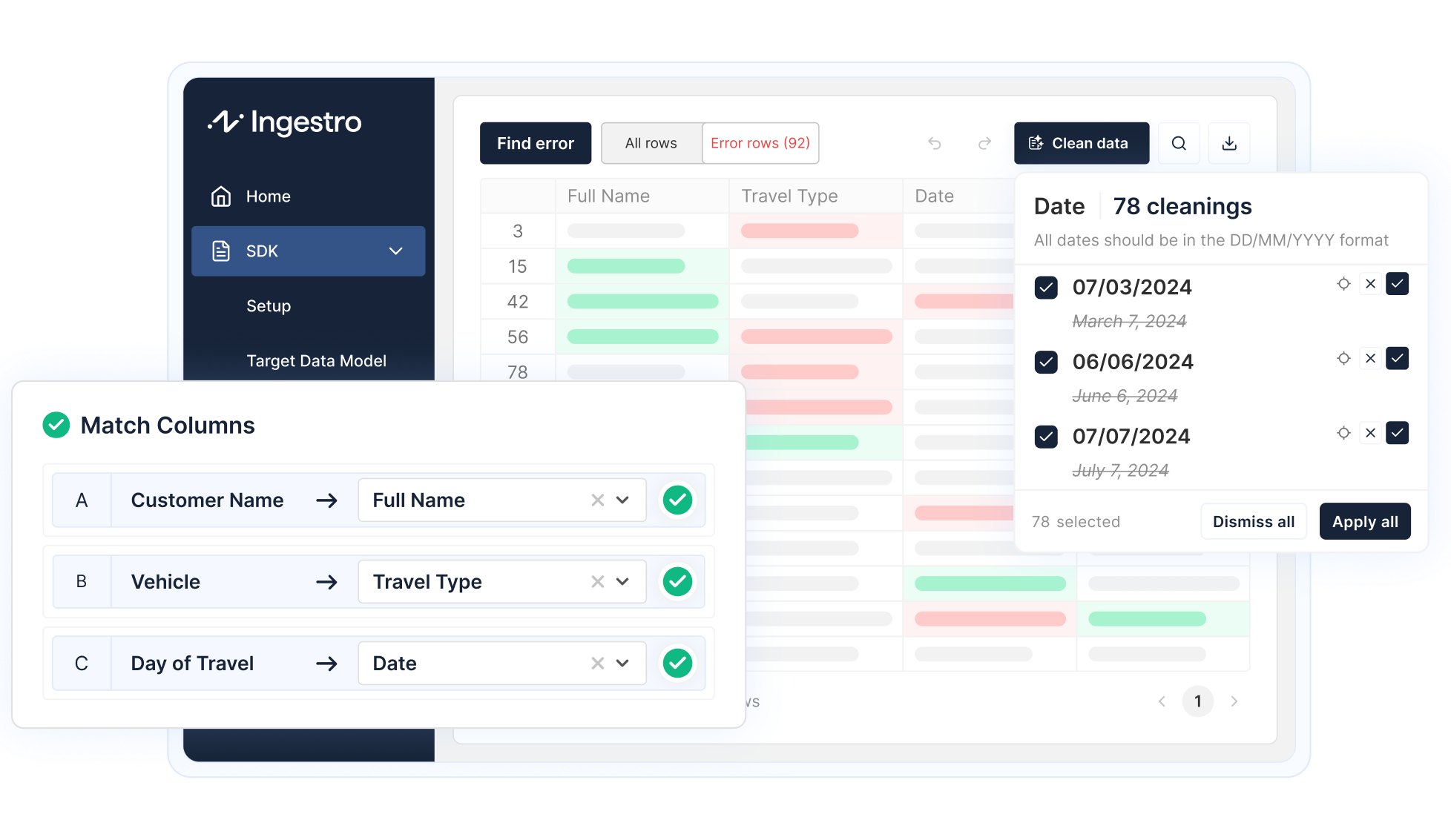
Integrate a self-service data importer into your software to effortlessly clean and import data from any source and format. Your users will thank you for having their data ready in no time.
Explore solutionsThat’s the structural flaw, and better code doesn’t fix it:
The people who own the problem can’t change the logic. The people who can change the logic don’t own the problem.
To see how that plays out, take a realistic example. Your implementation consultant holds a lot of knowledge about her customers:
She holds all of this because she talks to these customers every week. Yet she can’t express any of it in the script. She can only describe it in a ticket.
So every new client, every renamed column, and every customer who upgrades their own system and starts exporting slightly differently becomes a request to a team measured on shipping product. The incentives split cleanly:
Both teams are behaving correctly. The queue is the predictable result of that split, not a symptom of a bad team.
The script hits a file it doesn’t expect and stops. It writes something like:
That message was written for the person who wrote the code. Your implementation manager isn’t that person, so she opens the client’s Excel file and starts scrolling.
That’s the trap: she’s trying to work out which rule was broken using two things that don’t contain the rules:
The table below sets what she has in front of her against what she’d need to answer the question:
None of the right-hand column is visible to her. All of it exists: someone decided it, in code, months ago, and it sits in a repository she has no reason to access and couldn’t read if she did.
So diagnosing a data problem becomes detective work. She compares this month’s file against last month’s and guesses at what the script wants.
Often she can’t even test the guess, because the script may run on a schedule, run on a server, or need a developer to execute it at all. Her loop becomes “ask engineering to run it again and tell me what happened,” which is measured in hours per attempt.
Eventually she stops diagnosing and starts editing. She opens the file, changes things until it goes through, and the client gets onboarded.
Consider what just happened. The script existed to enforce rules about incoming data. She has adjusted the data, by trial and error, until it satisfied rules nobody can see. The file passed, but the reason for that passed is now unknown to everyone, including her.
The validation didn’t hold. It was negotiated around.
Do that for a year across 40 clients, and you no longer have a controlled intake process. You have:
The person who most needs to know what was wrong with the file is your client, and what they need is a sentence:
“Row 42: the value in column D (‘Start Date’) is 31/02/2026, which isn’t a valid date. Rows 51 and 88 have the same problem.”
Producing that – per file, per row, per rule, in language you can forward without embarrassment – is an entire error-reporting system. It’s typically a larger build than the parsing itself, and it never appears in the original estimate.
Until that system exists, your implementation manager stays in the loop as a human translator between an error message and a customer.
None of this is an argument that scripts are bad. In some cases, writing one is the correct call:
If you’re in one of those five situations, write the script. Outside them, the picture changes.
A script becomes a trap when several of these conditions are true at once:
That last row deserves a moment. A folder of per-client Python scripts written by an engineer who has since moved teams is not meaningfully safer than a workbook full of VBA written by someone who left. Both lock knowledge in a format most of the company can’t read.
If you’re looking at alternatives, these are the questions that matter. They’re worth asking any vendor, including us:
The first two questions get asked least and matter most. A solution that can’t answer them recreates the same gap behind a nicer interface.
Ask the person who receives the files one question: “When a client’s file fails, can you find out why and fix it yourself today?”
If the answer is yes, your current setup is fine, whatever it’s built on.
If the answer is “no, I open the spreadsheet, guess, raise a ticket, and edit the file by hand until it goes through,” then the problem was never the parsing.
The rules live somewhere the problem owner can’t see, and no amount of additional scripting brings them into view.
See how easily you can turn your customer files into ready-to-use data with Ingestro’s AI agents.




.png)
.png)

