Nearly all data migration challenges grow from a single root: software and service providers have no control over where the data comes from. Client exports arrive in whatever format the previous provider’s system produced, and implementation teams inherit whatever is left.
That lack of control grows more complex in payroll, where data often comes from fragmented, poorly standardized environments, and migration is a recurring task for implementation teams. Each client brings another legacy system, another set of files, and another deadline.
What follows are the ten key challenges that derail payroll data migration in practice – before the data arrives, during preparation, and after loading. Knowing where these issues start is the first step toward faster, cleaner, more predictable payroll implementations.
Learn how the leading payroll and compliance platform moves customer data globally without manual reformatting.
Read customer storyAlmost everything written about data migration challenges assumes a one-time internal project: a company replaces its warehouse, its CRM, or its ERP, absorbs the pain, and moves on.
Research by the Bloor Group found that more than 80% of data migration projects run over time or over budget – and even that figure describes teams that get to stop when the project ends.
Payroll providers rarely get to stop. Every signed contract brings a new migration out of whatever the client used before. We call this condition “recurring migration,” data migration not as a project but as a permanent operating motion.
Implementation teams we’ve spoken with at payroll software vendors and service providers handle up to 50 client migrations a month – every month. At that cadence, a challenge that costs up to four hours per client often turns into a hiring plan.
Recurring migration also reorders which challenges matter. Downtime windows and server capacity, the staples of generic migration advice, rarely determine success here. What decides it is the quality of the incoming customer files and how quickly your team can prepare them.
That’s why we tend to group the challenges by phase: before the data arrives, while it’s being prepared, and after it’s loaded in the target system.
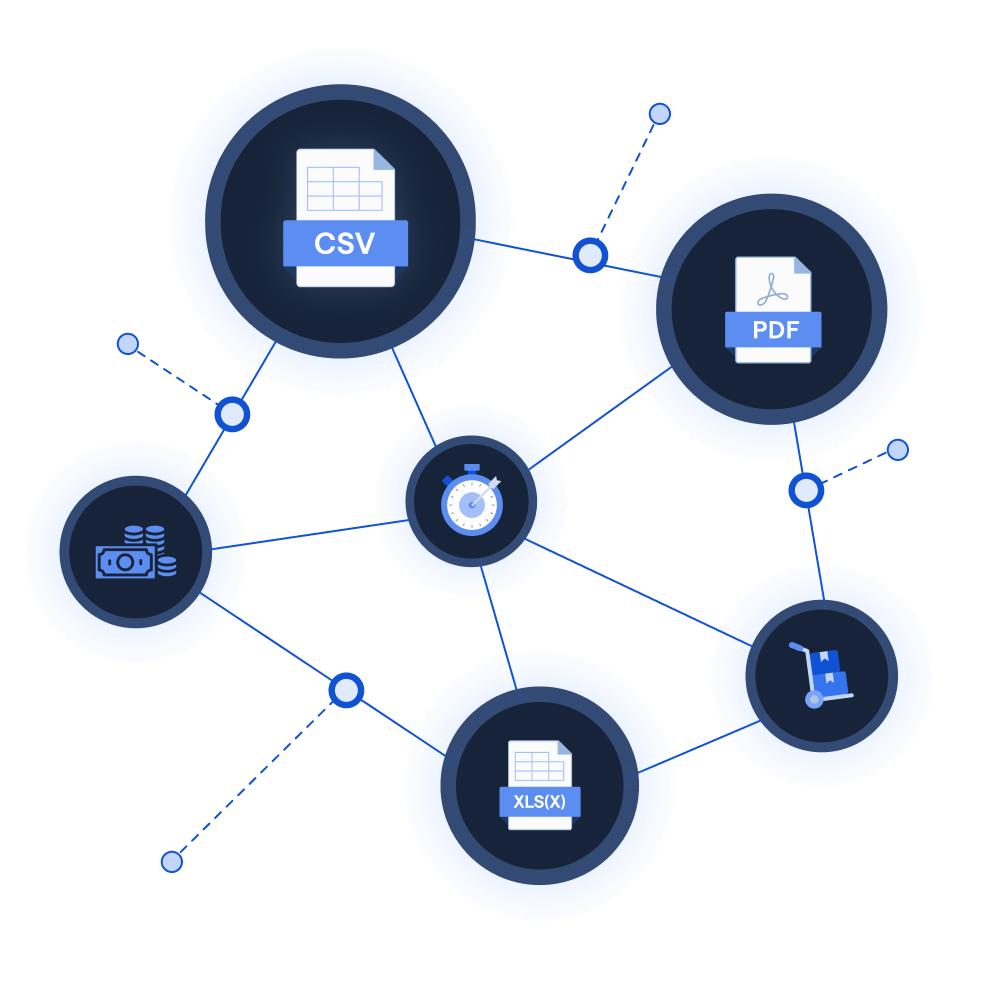
Whatever lands in your inbox was formatted by the previous provider’s report generator, not by anyone thinking about your target system. In practice, that means multi-tab workbooks covering overlapping data, one migration spread across XML, CSV, and Excel files that have to be linked through shared IDs, and – at the low end of the market – PDFs. Sometimes one PDF per employee, sometimes one long PDF with a page per employee.
The implementation team at one UK payroll software provider told us they refuse PDFs at intake entirely because no automated process on their side could handle them reliably. An implementation leader at a global payroll provider put the broader problem plainly: there’s no uniform way clients deliver data, and there never has been.
The pattern repeats across the payroll space. The same source system can still produce differently structured exports at two different clients, depending on version, configuration, and whoever set it up years ago. Planning for a “standard” input is planning for a client that doesn’t exist.
The person who configured the legacy system typically left long ago. At companies that grew through acquisition, the institutional knowledge behind pay codes and field conventions has been diluted across mergers until nobody can explain why code 4471 exists or what makes it different from 4472.
One implementation team described a client who didn’t know part of their own payroll inputs existed – employees had been sending hours and absence data directly to the old provider for years, and the client only learned this when the provider mentioned it during handover.
This challenge is invisible in generic migration writing, which assumes the migrating team understands the source. In customer data migration, the party that owns the data and the party that understands it are often not the same party, and sometimes neither of them is you.
Missing columns, unclear codes, and incomplete exports usually create the same cycle.
The implementation team emails the client. The client takes time to respond. The answer only solves part of the problem. Then another email goes out.
Implementation and onboarding teams often describe this back-and-forth as one of the biggest risks to the migration timeline. Each round can cost days, especially when the person who knows the answer has other work to do.
By the time mapping or cleaning starts, the clarification loop may already have put the go-live date at risk.
Field names, employment types, and pay codes almost never correspond one to one between systems. Payroll shows this at its sharpest: one client might run ten pay codes, the next several hundred, and each code carries properties – taxable or not, net or notional – that someone has to establish before anything can move.
Effort scales with the mess, not with company size, which is why experienced teams can rarely predict how long a migration will take from headcount alone.
In HR data more broadly, the same applies to absence types, contract categories, and organizational units. Mapping is where domain expertise gets consumed, and in most teams it lives in a handful of senior people who become the bottleneck for every parallel migration.
A migration that spans countries multiplies its own rulebook. National insurance numbers, tax IDs, and social security formats each follow their own logic, and date formats quietly betray you: a US export reads month first, a UK one day first, and a file that loads without complaint can still put half the workforce’s start dates in the wrong month.
One payroll software vendor shared that transatlantic date ordering alone had caused them recurring pain across implementations.
The edge cases go deeper: one global employment provider described a country where each employee carries three separate vacation balances, each with its own rules. Thorough data validation against jurisdiction-specific rules is the difference between catching these issues in preparation and explaining them after go-live.
The riskiest migration errors are often the ones that don’t trigger an error message.
Excel can remove leading zeros from bank account numbers or employee IDs when a file is opened and saved. Date columns can change format based on a user’s local settings. A header row that appeared on line five in one file might appear on line ten in the next, shifting the whole import logic.
The file may still load. The row count may still match. But the data can still be wrong.
In payroll, that kind of quiet error can lead to an incorrect net salary that an employee notices on payday. That is why customer files should be validated at intake, not only after they import successfully.
Years of duplicates, gaps, and inconsistencies accumulate in any long-running system, and a migration is typically the first time anyone looks at all of it at once.
The awkward part is ownership: the old system created the mess, but the new system reveals it, so the blame lands on you.
Clients rarely budget time for cleaning their own historical data, and implementation teams end up doing data cleaning that was never scoped, on data they didn’t create, under a deadline they didn’t set.
Deciding early what gets cleaned, what gets flagged back to the client, and what gets documented and left alone can save weeks of unplanned work.
After the data is loaded, the work is not finished. The team still has to prove that the numbers match.
In payroll, validation is more than a checklist. During a parallel run, the same pay period is processed in both the old and new systems. The results are then compared employee by employee, usually from gross pay to net pay.
Every difference has to be found, explained, and either fixed or accepted.
This is one of the strongest ways to prove that a migration is ready for go-live. But in many teams, it is also slow and manual. Consultants compare spreadsheet tabs, track issues, rerun calculations, and repeat the process until the numbers reconcile.
When migrations happen every month for new clients, this verification work can become the real capacity limit. Mapping may start the migration, but reconciliation is often where the team runs out of time.
A migration isn’t finished when the data is in the target system. It’s finished when the client’s payroll or HR manager looks at the result and agrees it’s right.
That distinction carries real stakes. When UK bank TSB migrated customer records to a new platform in 2018, the data technically moved – and the failures that followed locked customers out of their accounts and ended in a £48.65M fine from regulators.
HR and payroll carry the same asymmetry on a smaller stage: nobody emails to say their payslip is correct, and everybody notices within hours when it isn’t.
This is why trust is so important in the first live cycle. If the client sees problems early, that doubt can affect the whole relationship.
The team needs evidence to support sign-off. They should be able to show what was mapped, what was changed, what was excluded, and why. That evidence is not extra admin. It’s part of the migration itself.
Internal IT projects can slip a quarter. Client migrations anchor to dates nobody controls: tax year boundaries, payroll cut-offs, contract start dates.
UK payroll teams describe the weeks before the April tax year end as their peak season, when migration demand spikes exactly when capacity is thinnest.
The go-live month also changes the work itself – a mid-year migration can require year-to-date balances and payroll history that a year-start migration avoids entirely, while some teams deliberately scope migrations to the current tax year only to keep the risk contained.
Timing constraints don’t merely pressure the schedule – they define what has to move.
Each challenge above is survivable once. What breaks implementation teams is the compounding.
At many payroll providers, implementation is bundled into the contract price, so every hour spent reformatting customer files is margin, not revenue. Capacity scales only with headcount, and new consultants take months to ramp because the mapping conventions and country rules live in senior colleagues’ heads – knowledge that goes on leave when they do, and walks out the door when they resign. One provider told us their teams re-do essentially the same preparation work from scratch even when two clients arrive from the same source system.
This is the strategic version of the problem: not any single migration, but cost per implementation, time-to-first-payroll, and a growth ceiling set by how fast you can hire. Adding consultants raises capacity linearly and cost with it; the teams that scale are the ones that stop treating every migration as new. Our look at the hiring trap in payroll implementation digs into why headcount alone doesn’t fix this.
The challenges above have one thing in common: they all create uncertainty before the payroll system ever sees the data.
The client sends a workbook with missing columns. A PDF contains values the team needs to extract before anyone can use them. A pay code looks familiar but does not quite match your standard setup. A date looks valid until someone realizes the file came from a different country.
None of these problems are unusual. The real issue is that teams often discover them one by one, through emails, failed imports, and manual checks.
AI changes the equation by helping teams surface those problems earlier.
Instead of waiting until a consultant has inspected every tab, an AI-assisted workflow can help identify what is in the file, what appears to be missing, which columns look like employee records, pay elements, bank details, or absence data, and where the structure differs from what the target system expects.
That matters because many migration delays do not come from the work itself. They come from not knowing what is wrong soon enough.
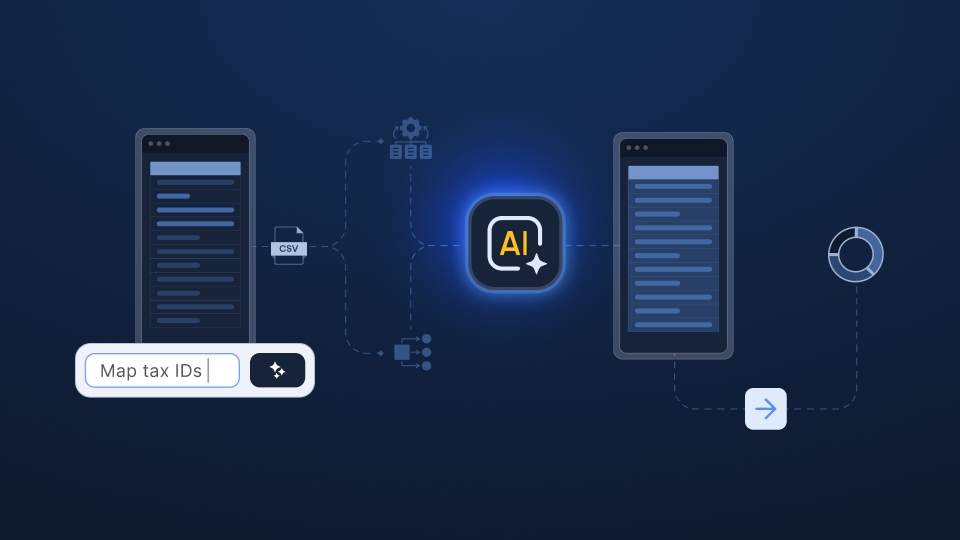
Ingestro applies this idea to customer data onboarding for payroll teams. It helps implementation and operations teams read incoming client files, detect structure, highlight gaps, and prepare the data for validation and cleaning before the process turns into a long clarification loop.
The benefit is not just faster file handling. It is a better sequence of work. Teams can review the file, spot issues, ask the client for the specific missing pieces, and move forward with a clearer record of what they changed and what still needs approval.
That also helps with recurring migration. When another client arrives from a source system the team has seen before, the previous work does not have to disappear into someone’s memory or an old spreadsheet. The team can reuse patterns, mappings, checks, and fixes, so the next migration starts with more context than the first.
For payroll providers, this is where automation becomes useful without becoming intrusive. It does not replace the consultant, the payroll specialist, or the client sign-off process. It gives them a cleaner starting point, fewer surprises, and stronger evidence for the decisions they still need to make.
The challenges in this guide are predictable, which means they’re also measurable. The risk is that teams get used to the friction. It becomes part of the implementation rhythm, even when it quietly slows go-live and increases delivery cost.
A useful way to spot the problem is to look for the same issues across recent migrations:
If several of those answers are hard to give, the challenge is not your team. It is that recurring migration is still being run with processes designed for one-time projects.
That is where AI-powered data preparation can make the next migration easier to inspect, validate, and repeat.
And if you happen to have a messy customer file on your desk right now, we would be happy to show you how Ingestro can handle it.
See how easily you can turn your customer files into ready-to-use data with Ingestro’s AI agents.




.png)
.png)