A new client is moving their payroll from their previous provider to you, with a first check date in mid-November. In many US implementations, that migration still runs on:
Unlike the UK, where clients can hand over the FPS they already send to HMRC, the US has no standard file for moving payroll history from one provider to the next.
So most migrations or conversions start from what the previous provider can export: a payroll register, YTD and quarter-to-date (QTD) summaries, tax reports, sometimes a stack of PDF pay stubs. ADP alone says it pays about one in six US workers. Providers often lay out their reports differently.
Many clients prefer to switch on January 1, when no year-to-date balances carry over, so many of those implementations land in Q4. Every other start date makes it a mid-year migration. That migration slows down at the same steps:
Rebuilding one client’s year-to-date entirely by hand can take eight to 10 hours, according to a head of payroll implementations at a US HR software company. Multiply that by every mid-year client, and the migration work can decide how many implementations your team takes on.
Ingestro is an AI platform that helps global payroll software and service providers automate implementation, including mid-year migrations from a previous provider. Its AI agents start with the reports the previous provider already exports and propose how they fit your template.
Your payroll experts confirm each mapping and rule before it runs, and your clients skip filling in workbooks and templates by hand, allowing customer data integration to scale with your client base.
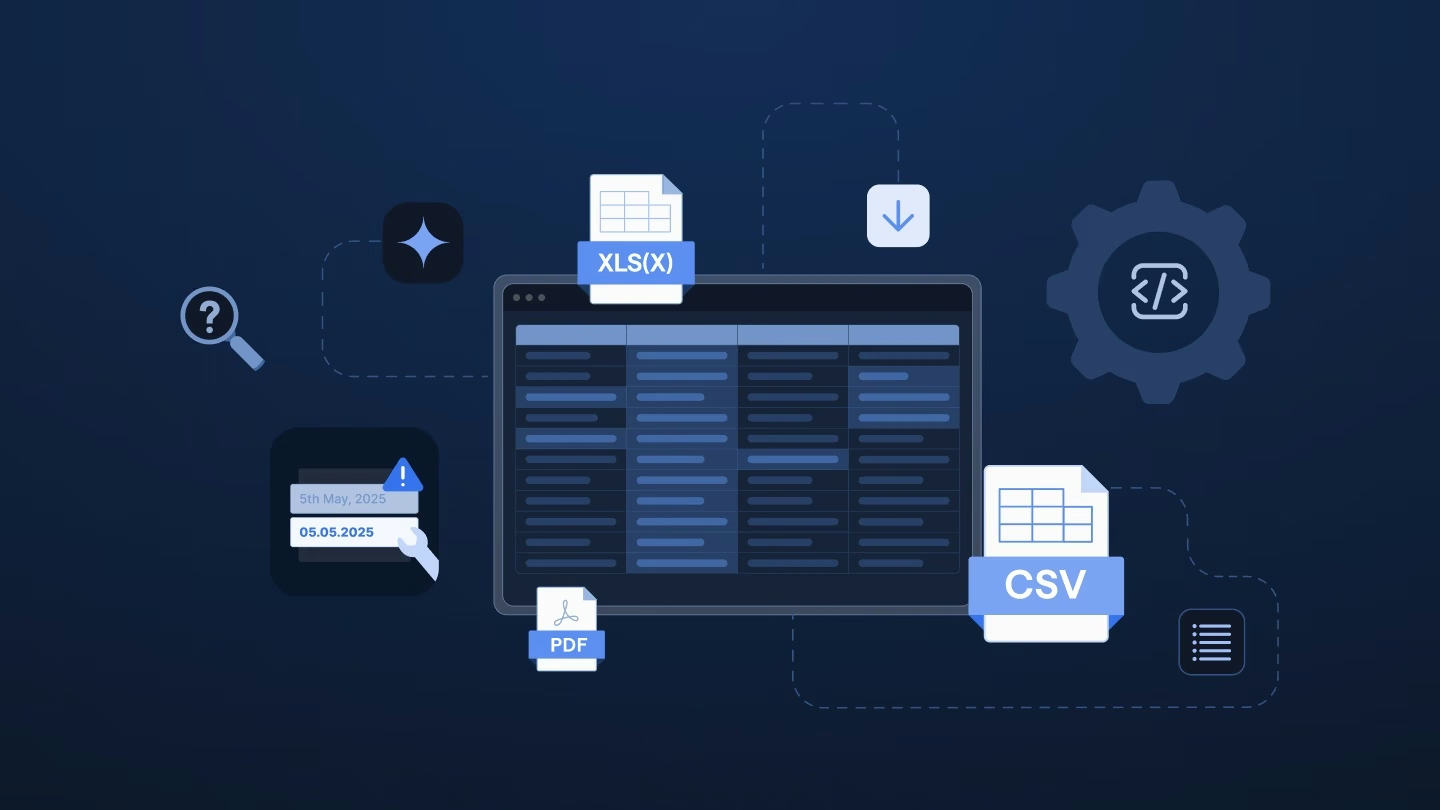
You bring in what the previous provider exports: payroll registers, YTD and QTD summaries, tax reports, employee census files, benefits deduction reports, and PDF pay stubs exported from the previous system, in Excel, CSV, XML, or PDF.
From there, you can run the same register or YTD summary through one importer per target file, such as employees, earnings, taxes, and deductions. That includes the employees who left earlier in the year. Your team then loads them in the order your system requires.
Ingestro’s AI agents propose how the report’s columns map to your template and how the client’s earnings, deductions, and tax codes map to yours. Your payroll expert confirms each mapping and sets rules, such as summing several overtime codes into one or moving reimbursements from negative deductions to earnings. The next client migrating from the same provider starts from the confirmed report mapping, so only its own codes need new decisions.
With Ingestro, you can:
Ingestro flags anomalies along the way and converts the result into your format, so your first load starts from checked data.
You can set rules that check each employee’s YTD figures, for example, that the quarters add up to the year and that Social Security tax is 6.2% of Social Security wages within a tolerance you set. Then you can export just the rows that don’t tie, so the client or previous provider gets one clear request.
For the parallel payroll, you can map the old and the new register to the same columns and codes, so your team’s review before go-live starts from two matching layouts instead of two different spreadsheets.
You also keep control of the data. Ingestro marks the values it cleans or reformats and keeps the original. You can self-host Ingestro and connect your own LLM. Ingestro is ISO 27001 certified.
With Ingestro, instead of spending hours re-keying year-to-date figures, your teams can confirm mappings and clear rows that don’t reconcile in one pass.
Your next mid-quarter switch may already be on the calendar. Walk through the migration from kickoff to go-live, and check in with your team at each checkpoint:
Your answers can show which step of the balancing act costs your team the most hours.
To see how those three checkpoints look with Ingestro, book a demo with us today, and we’d be happy to walk you through a mid-year migration from the previous provider’s register to balanced imports, one confirmed mapping at a time.
See how easily you can turn your customer files into ready-to-use data with Ingestro’s AI agents.




.png)
.png)