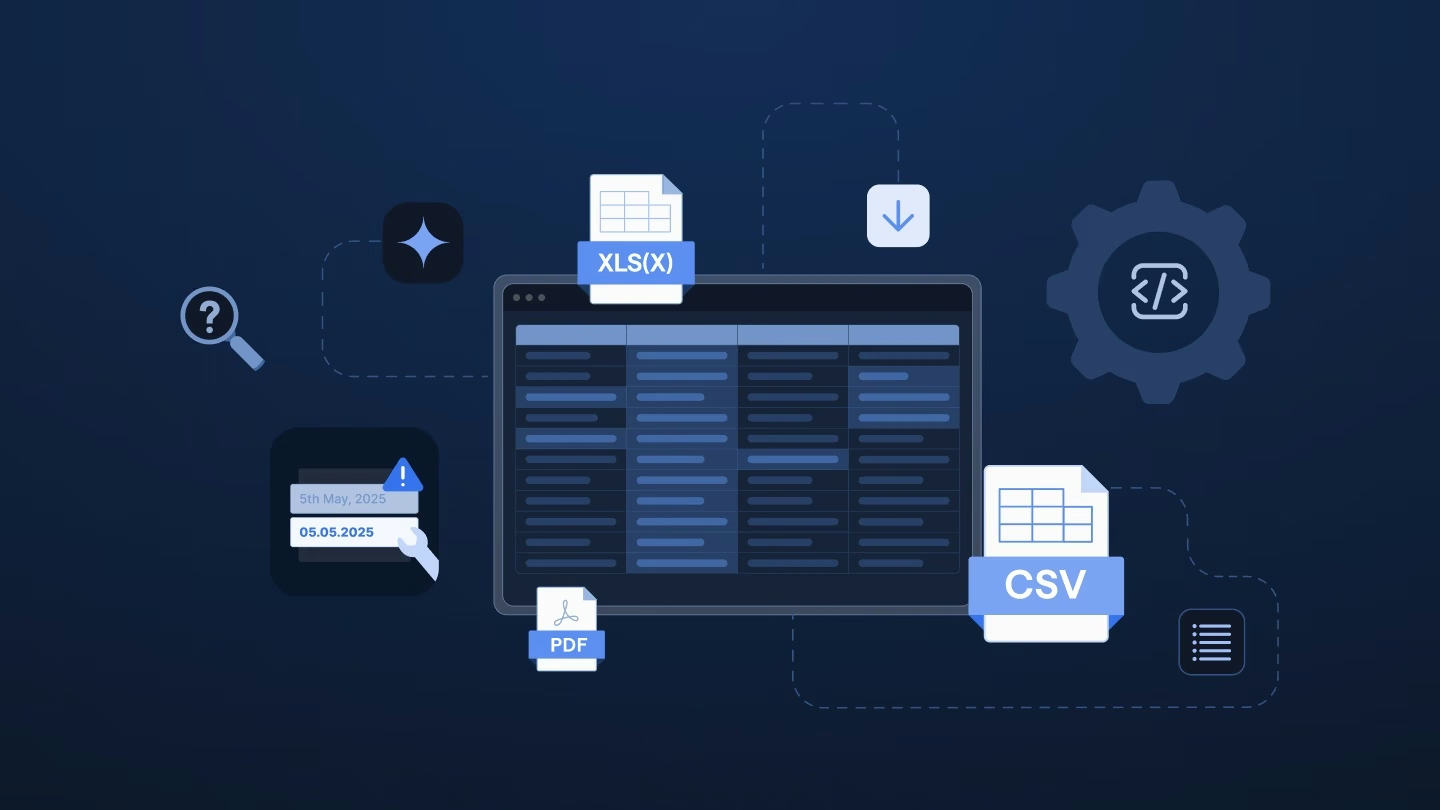
Switching German payroll providers seems straightforward on paper, but go-live dates often slip once the client’s data arrives.
Instead of a filled-in workbook, implementation teams typically receive the data in pieces: a DLS export, payroll account PDFs, and spreadsheets that each cover only part of the picture.
That patchwork handover is where much of the delay starts, and it sits in a few predictable places you can plan for.
Sales has closed a new client, and the go-live date is set. Now implementation takes over. A few weeks in, you open the project folder and find no filled-in workbook. Your consultant is still pulling values out of PDFs, asking the client about Lohnarten nobody recognizes, and rerunning an import that failed on free text.
The plan on paper was a workbook the client fills in, manual checks, and a lot of copying between files, with three to five months from kickoff to the first live payroll – much of it spent in parallel runs until the old and new numbers match.
Most values exist somewhere – just in a different file, format, or code than your payroll system expects. For a Director or VP of Implementation, that’s where go-live dates move, January capacity gets tight, and a new client forms a first opinion of your team.
Four gaps tend to cost the most time.
The DLS (Digitale LohnSchnittstelle) is the standard export German payroll software produces for wage tax audits. It holds master data, Lohnarten with their bookings, tax values, and the social insurance contributions that matter for tax. It doesn’t hold social insurance gross pay or social insurance days.
A product lead for German payroll at an HR and payroll platform told us their team fills that gap from the payroll account PDFs (Lohnkonten), one per employee.
A new system needs the year-to-date values (Vortragswerte) for tax and social insurance. Without them, it can’t check one-off payments against the pro-rata annual contribution ceiling or issue one annual wage tax certificate (Lohnsteuerbescheinigung).
A switch between January and March adds the March clause (Märzklausel). It assigns one-off payments to the previous year when they push this year’s social insurance earnings over the pro-rata ceiling. That’s why last year’s social insurance values have to come along too.
Health insurers and countries of birth arrive as text where payroll needs codes. Some import routes have no test mode, so errors only show up after the attempt. Many of them mean another email to the client.
The same product lead said a large share of their team’s time goes into error hunting. The hard part is telling where a difference comes from: the previous provider, their own parsing or a case nobody has mapped yet.
Lohnarten (wage types) are the building blocks of every German payslip. Payroll programs often come with 200 to 500 predefined ones, and companies add their own over the years.
The list below is a composite of what several German payroll teams described, not one client’s file. A typical client’s list might include:
Many of these aren’t used anymore. A sales lead at a large payroll provider described the pattern: a Lohnart created for a JobRad scheme stays in the system long after anyone uses it and clutters the whole setup. The client may not know which Lohnarten still matter.
Every Lohnart that comes across needs the same treatment in the new system.
Mapping a night supplement to a regular taxable Lohnart loses its tax-free status, so the employee’s net pay drops.
That’s why a system switch is the right time to clean up.
The obvious response is to fix it in-house, and German payroll teams seem good at it. Teams we’ve spoken with describe a few routes:
Each fix works – until the knowledge sits in a script, a spreadsheet, or one person’s head. Each new import can also surface cases nobody has seen before.
January can put these workarounds under the most pressure. That month, the German team at the same platform runs several times its usual monthly number of implementations.
The fix isn’t the problem. Where the knowledge lives is.
These four take most of the surprise out of a patchwork handover.
Ask the client for these items at kickoff:
Agree on these points beforehand:
Validate IDs and codes before the first upload. That way, you can send the client one list of open points instead of several rounds of emails.
Ingestro is an AI platform that provides data infrastructure for implementing local and global payroll. Its AI agents process raw exports from German payroll software, suggest how fields map to your target format, and identify anomalies along the way. Payroll experts review and confirm each mapping, reducing manual data entry while keeping the existing workbook-based process in place.
You bring the client’s files together and decide which source each field comes from – for example, master data from the DLS and social insurance gross pay from the payroll account PDFs. Ingestro reads PDFs exported from the old system.
Ingestro’s AI agents propose how fields and Lohnarten map to your structure, including items that arrive as text, such as a night supplement. Your payroll expert confirms each mapping, including which legacy Lohnarten to carry over at all. Confirmed mappings run the same way every time, and you can reuse them for the next client from the same previous system.
With Ingestro, you can:
Ingestro flags missing and invalid values per employee for you to send one consolidated list instead of several rounds of emails.
The result comes back as flat upload files in your template’s structure, so your first import runs on checked data.
Put it all together and the hours move: less retyping and error chasing after an import, more time for the decisions that need your experts.
Learn how the leading payroll and compliance platform moves customer data globally without manual reformatting.
Read customer storyBefore taking on another patchwork handover, use these three questions as a quick self-audit for your team:
If you’re ready to turn fragmented exports and PDFs into validated, upload-ready files without the manual rework, we’d be happy to walk you through our platform.
See how easily you can turn your customer files into ready-to-use data with Ingestro’s AI agents.




.png)
.png)