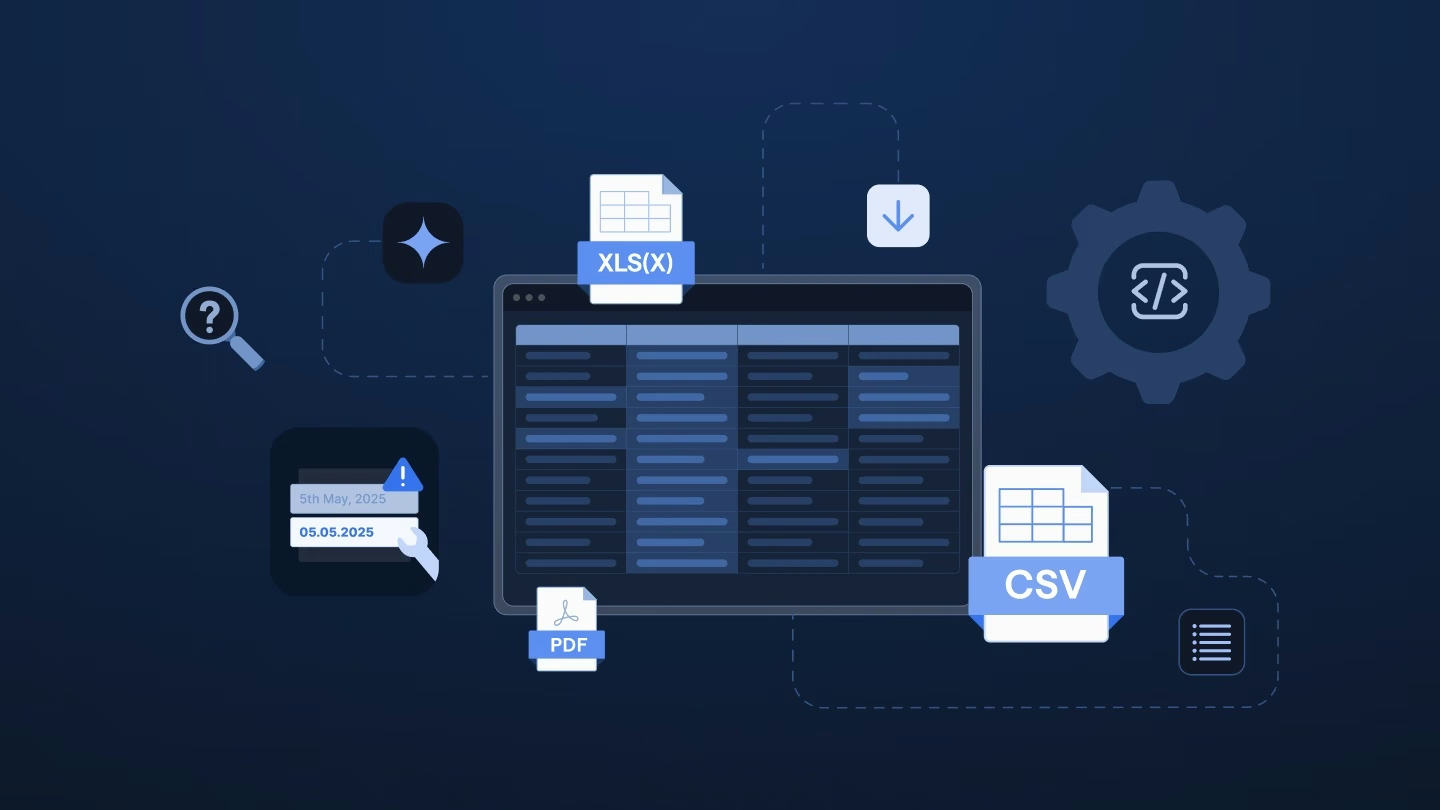
Belgian payroll is often seen as one of the most complex systems worldwide. Social secretariats responded by building some of the most digitized, advanced payroll systems to work through that complexity. That makes accuracy the top priority, because one small mistake can trigger others downstream. Getting the data right is critical.
Your new client signs everything in one go. The contract, the mandates, and the employer registration all go through digitally. Your team activates the right joint committee, and most of the payroll setup rolls in by itself. On paper, you’re running the test calculation before lunch.
Then the employee file arrives.
It’s a system export from the client’s previous provider, and it looks like this:
Nothing about this file is unusual. That’s the problem.
Belgian providers have optimized the “happy path” well. The client fills in your template, the import runs, and nobody picks up the phone.
The off-path costs are everything else:
Little of it shows up in your implementation metrics, because the metrics measure the path.
A file that fits can take about an hour, while one that doesn’t can fill a consultant’s day.
Manual setup also raises the risk of recurring mistakes. The cause isn’t a broken happy-path flow. It’s that the data going into it isn’t right.
The costs land in three places:
That matters in a system where the client normally owns its payroll inputs. Some of those mistakes, especially around benefits, may only become visible months after go-live.
By then they’re corrections, not cleanup.
The obvious response is to tighten the template: clearer instructions and stricter checks at upload. It sounds reasonable. It also leaves the file itself untouched, and it falls short for three reasons:
A stricter template doesn’t change the file but who has to do the work.
Preparing the file before it reaches your template changes who does the rebuilding.
Ingestro is an AI platform that provides data infrastructure for payroll implementation. Its AI agents work on the export your client already has, while the client and your consultants decide what gets applied.
Your client doesn’t reformat anything first. The export from the previous provider goes in as it is, in whatever layout that system produced. That includes a file like the one above: companies on separate tabs, first and last names in a single column, foreign bank accounts without a BIC.
Ingestro’s AI agents propose how each column maps to your template, for example by splitting the combined name column into first and last name or matching the two address columns to your address fields. The client, alone or with your consultant, reviews each proposal and confirms it. Nothing changes before that.
Confirmed mappings can also be reused for the next client who comes from the same previous provider.
Your own validation rules then check the result. With Ingestro, you can:
What comes back follows the structure of your template, so the first upload runs on checked data.
Ingestro flags missing and invalid values per employee, so you can send the client one consolidated list instead of an error message after each upload. The client sees what’s open and why, which can cut down on calls about what a column means.
Ingestro doesn’t calculate payroll or run it. That stays with your payroll software and your consultants, along with questions only the client can answer, such as why two people in the cafeteria plan are missing from the employee file.
What changes is where the hours go: less rebuilding and chasing after an upload, more time for the decisions that need a consultant.
Your consultants review instead of rebuilding, and the client keeps ownership of the data.
Learn how the leading payroll and compliance platform moves customer data globally without manual reformatting.
Read customer storyYou don’t need a business case to find out whether you’re paying off-path costs. You need three honest answers:
If your answers reveal off-path costs you pay every week, the next step is simple. Share one of your payroll templates along with a sample export from a previous provider, and we’d be happy to show you how AI agents can map, clean, and validate the data against your own rules, with your team confirming every change.
See how easily you can turn your customer files into ready-to-use data with Ingestro’s AI agents.




.png)
.png)