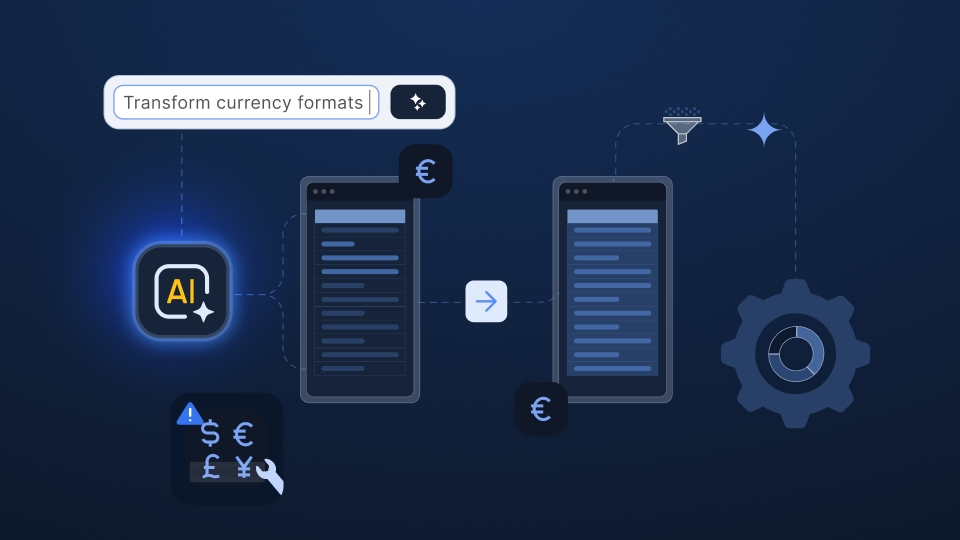
Data migration is the process of moving data from one system to another. In HR and payroll implementation, this often means turning customer files, such as spreadsheets, CSVs, and PDF exports from a previous provider, into clean, structured records inside your platform.
Unlike one-off IT migration projects, payroll teams handle this process repeatedly with every new client. The speed and quality of each migration can directly affect time-to-first-payroll, implementation costs, and onboarding capacity.
The sections below cover the essentials of data migration, including key definitions, common types, and core strategies. They also explore data migration challenges that become especially important when the process is file-based, recurring, and closely tied to payroll.
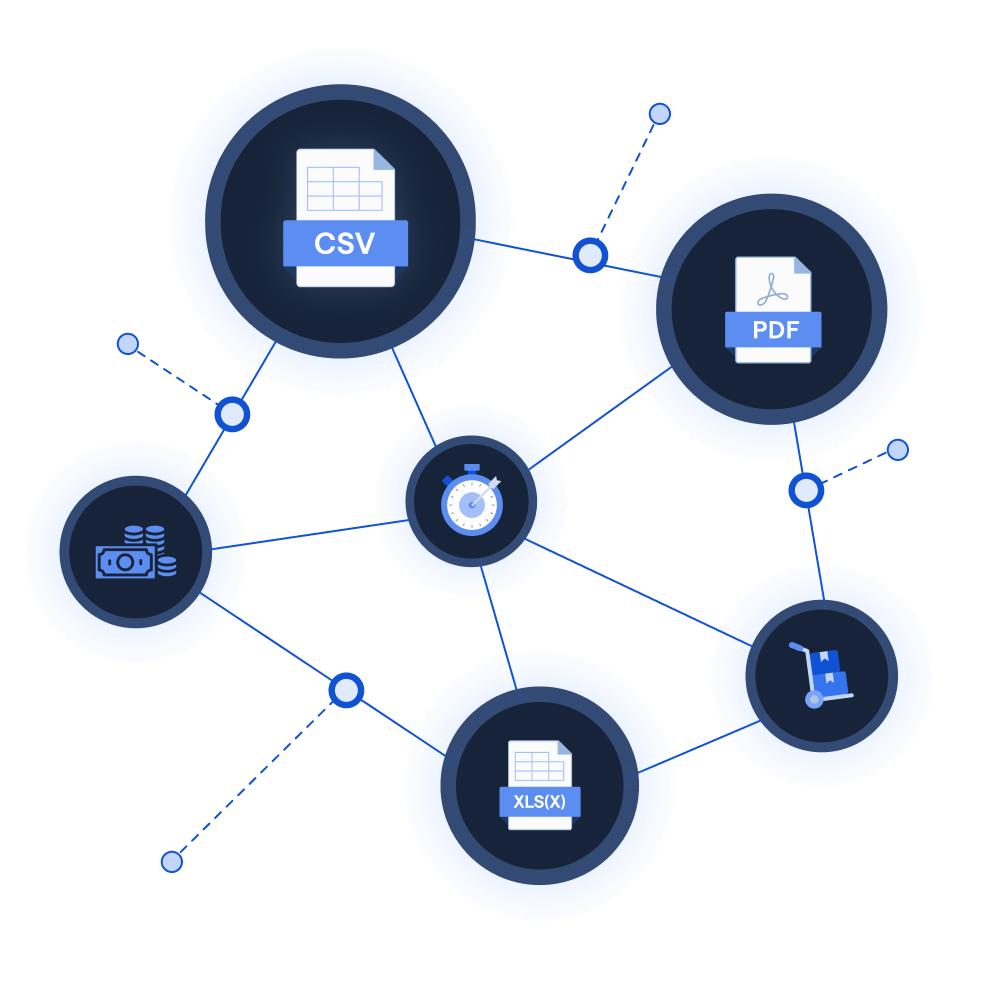
Learn how the leading payroll and compliance platform moves customer data globally without manual reformatting.
Read customer storyData migration means selecting, preparing, extracting, and transferring data from a source system to a target system. Once completed, the source gets usually retired.
The definition may sound simple, but the work involved rarely is. The two systems almost never describe the same reality in the same way: different field names, different code lists, different formats, different assumptions about what a record even is.
Data migration is often confused with data integration, so it’s worth drawing the lines early:
For payroll software vendors and service providers, migration is not only a technical transfer. It is a key part of customer data onboarding, repeated with every new client and shaped by the quality of the files, context, and rules that arrive with them.
We will return to that distinction throughout this guide.
Classic references break data migration into six core types. All six are real, and your IT colleagues will recognize them:
What textbooks typically skip, and what this guide stays focused on, is customer data migration. This process involves moving a client’s employee, pay, and absence data from their previous provider or legacy system into yours.
Customer data migration is technically a form of application migration, but it behaves differently in every way that matters:
A payroll migration involves moving a wide range of data types, each with its own potential challenges:
The volume varies with timing, too. A client who switches at the start of the tax year brings little history; one who joins in month eleven brings eleven months of files that all have to reconcile.
Infrastructure-focused guides often treat downtime and data loss as the main risks. In payroll migration, teams face a different set of problems: messy source data, unclear pay rules, missing history, and edge cases that take time to resolve. These issues shape the project timeline whether teams plan for them early or discover them late.
Your new client’s data usually sits inside a competitor’s platform, and retrieving it is not always straightforward. Some clients have no reporting access and have to request a formal data extract from their outgoing provider – which many hesitate to do because it signals that they’re leaving.
Others can only get PDFs. Implementation teams often describe PDF payslips as the worst-case source: the data’s technically there, but it sits across per-employee tables that change structure from one provider to another.
None of it is machine-readable without dedicated extraction work. In one case, a payroll implementation team traced much of its migration pain to a single legacy provider whose exports came in this format.
Nearly every payroll organization runs migration through Excel templates: workbooks with dozens of tabs and anywhere from 60 to 150 columns for the client to complete.
The friction starts with the way the data is spread out. One employee’s record may sit across three separate files: an XML from one system, a CSV from another, and an Excel export from a third. The only thing connecting them might be a national insurance number or works ID.
Then the formats start to drift. Headers move between rows from one export to the next. Date formats silently switch conventions, so “March 4” becomes “April 3” when data moves between UK and US formats. Clients paste in half the information, then complain, often fairly, that they’ve already provided the other half in a different template.
For implementation teams, this stage becomes a major bottleneck. One implementation lead at a global payroll provider said receiving these workbooks “felt like stepping back into 1995.” A VP at the same organization called the template stage “the single biggest blocker to faster implementations.”
There’s a quieter problem underneath the formatting one. Migrations force questions that the client’s current organization can no longer answer.
These examples make it clear that you’re not only moving data. You’re reconstructing the reasoning behind it – often from fragments.
Migrations cluster. Clients prefer to switch at year-end or tax-year boundaries, which means your heaviest migration load lands in the exact weeks when your operations colleagues are consumed by statutory deadlines – and when nobody has capacity to improve the process itself.
One UK payroll team described a recurring six-week window around tax year-end during which all process improvement work stops. The result is a cycle: the process stays manual because the team is too busy running the manual process.
Standard migration strategy comes down to two named approaches:
Many payroll organizations have evolved a third pattern that borrows from both: the parallel run. You load the migrated data into the new system, then run one or more pay cycles in the old and new systems simultaneously and compare the results – typically gross-to-net, employee by employee.
Every difference gets identified, explained, and either corrected or accepted before go-live. It’s the closest thing the industry has to a proof: not “the data looks right” but “the new system pays the same amounts the old one did, and where it doesn’t, we know why.”
Parallel runs also answer the history question pragmatically. The earliest period most teams reconstruct in the new system is the first parallel period – anything older stays in archived reports rather than being rebuilt record by record.
If you’re planning a migration calendar, the practical takeaway is this: plan client batches like a trickle, validate each batch like a parallel run, and reserve big-bang cutovers for the cases where a contract expiry or license deadline leaves no choice.
Every credible framework reduces to some version of plan, execute, verify. Here’s what that looks like when the “source system” is a folder of customer files:
Sequence matters more than speed. Teams that validate before cleaning, and clean before loading, do each fix once. Teams that load first and fix on failure do each fix as many times as the import rejects it.
Everything above describes an ideal data migration scenario. The defining reality for payroll organizations is different: you do this at volume.
A mid-sized payroll implementation team might migrate 50 clients a month, each bringing three to six reports from their previous provider.
A software vendor we spoke with maintains around one hundred Excel import templates and runs 10 to 15 separate imports per new customer – hours of work per client before anyone gets to actual consulting.
Migration at volume changes the economics in three key ways:
AI has changed what’s possible in the preparation stage of payroll data migration. It can read messy exports, identify patterns, and help teams move more quickly through manual work that used to take hours.
At the same time, payroll raises a valid concern: organizations need confidence that AI won't make uncontrolled decisions about salary, tax, or absence data. The question isn’t whether AI belongs in migration – it’s where it belongs.
AI is most useful where data migration work depends on pattern recognition. More specifically, it can:
These tasks require expert time, but they don’t need AI to make the final decision.
A wrong suggestion creates an item for a human reviewer to check and correct – it doesn’t automatically change someone’s pay.
Execution is different. Once data gets transformed at scale, the process needs explicit, inspectable rules. The same input should produce the same output every time, and every change should be logged.
That’s the safest division of labor: AI proposes, rules execute.
A large language model (LLM) should not directly process 300,000 payroll rows and decide the final output. The risk is not only that it may produce errors through hallucination, but that those errors may be difficult to reproduce or hard to trace later.
However, the same LLM can help write a transformation rule, which a human reviews before it runs deterministically across the dataset.
That gives implementation teams the speed benefit without handing control of payroll data to a black box.
Payroll migration always ends with someone asking what changed, why it changed, and who approved it. A rules-based workflow can answer those questions row by row. Each transformation has a defined rule, a reviewer, and a log.
A black-box workflow can’t offer the same level of assurance.
That’s where AI fits best in payroll data migration: not as the system of record, and not as the final authority, but as a way to make preparation faster while keeping execution controlled, repeatable, and auditable.
This is exactly the operating model Ingestro is designed to support. It enables implementation and operations teams at payroll organizations to turn messy customer files into system-ready data with AI, while keeping payroll-critical changes controlled and auditable.
In practice, your team can take whatever a client sends, including multi-sheet workbooks, CSVs, and exports from unfamiliar systems, and move it through the same sequence: map, validate, and clean.
Ingestro AI suggests mappings to your target data model and drafts cleaning logic from natural-language prompts. The transformations themselves still run as explicit rules, with a full audit trail, so every changed value can be traced and justified to the client.
Country-specific validation helps catch malformed identifiers, implausible dates, and missing required fields before they reach your system, rather than after a failed import.
Because migrations often follow the same pattern, teams can carry the setup forward. Once they map a source format and define its cleaning rules, they can use the same configuration for the next client coming from that system. Over time, reusing configuration helps implementation teams handle higher client volume without increasing headcount at the same pace.
The same file-based data flows can also support monthly intake after go-live, not only the initial migration.
For organizations with strict security requirements, Ingestro can run self-hosted on your own cloud infrastructure with your own AI models, keeping employee data inside your environment.
The goal is not to remove human judgment from migration. It is to remove the repetitive work around it: copying, re-keying, and relearning source formats your consultants have already handled before.
The organizations that handle data migration well aren’t the ones with the biggest teams – they’re the ones that treat migration as a repeatable process rather than a series of heroic one-offs. Five questions will tell you which side you’re on:
If those answers make you uncomfortable, the process is telling you something the go-live dates eventually will. When you’re ready to understand what your migrations could look like with more of the preparation work automated through AI, feel free to share your messiest client file, and we will walk you through how Ingestro can handle it.
See how easily you can turn your customer files into ready-to-use data with Ingestro’s AI agents.




.png)
.png)