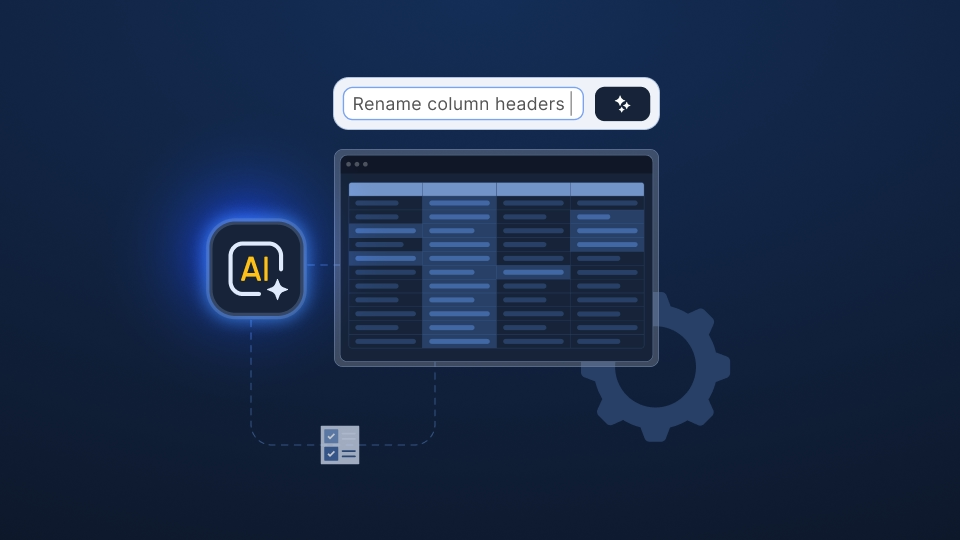
AI makes building a tool to reformat a client's payroll file look like a straightforward project. What it leaves out tends to show up a few files later.
Payroll data was never a single CSV file. It’s the next client who exports in a different format, the one after a country changes a statutory field, the workbook with nine tabs that looks nothing like the last.
So the question that settles this decision isn’t whether your team can build something. It's who will keep it running as the inputs keep changing.
This guide walks through how to weigh an internal build against buying, grounded in what implementation and operations leaders run into with real customer data.
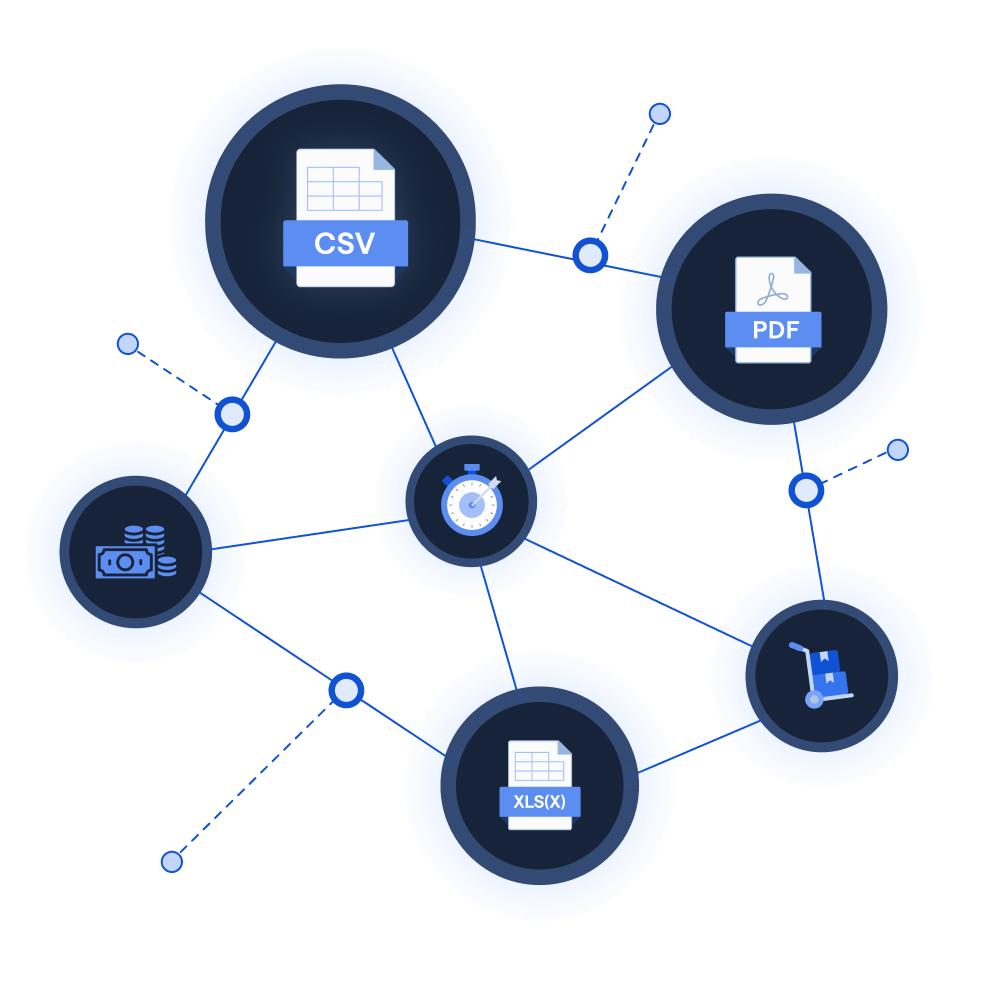
Learn how the leading payroll and compliance platform moves customer data globally without manual reformatting.
Read customer storyBefore you can compare options, it helps to be precise about the work itself, because it’s often mislabeled.
What payroll teams need here isn't just a data importer. An importer moves an already-clean file into a system and “complains” when the format is wrong.
The work that blocks implementation and operations teams happens earlier, when a client’s export is still messy, inconsistent, and nothing like your system's target structure.
That work is payroll data preparation: mapping incoming columns to your target fields, validating them against payroll and regional rules, and cleaning up anything that doesn’t pass before it reaches your platform.
Payroll makes that harder than most data preparation. Paycodes carry properties that teams must understand, not guess. One implementation leader described clients arriving with anywhere from 10 to 500 paycodes, each needing the right answer on whether it’s taxable, social-securityable, net, or notional.
Country-specific fields pile on top: UK National Insurance numbers, German tax IDs, French DSN formats, each with its own validation. And clients rarely know their own data. As one VP of implementation put it, many “have been outsourcing for a long time, so they don’t know their data either. They don’t even know how it’s calculated anymore.”
So you're deciding whether to build or buy the preparation work behind the import, not just the import itself.
The instinct to build is reasonable, and AI has made it stronger. A capable engineer can now quickly stand up a parser for a known format, and a first demo on a sample file tends to look convincing. For teams with engineering capacity, “we’ll handle it internally” is the natural default.
It’s worth taking that seriously rather than dismissing it. For a single, stable source format that rarely changes, an internal build can be a sound call. The trouble usually starts when that first success gets mistaken for the finished job.
Here's how the pattern typically unfolds, drawn from teams we've spoken with:
None of these teams failed at engineering. They found that payroll data preparation isn’t a one-off project but a moving target.
The honest way to price an internal build is to look past version one and ask what someone owns afterward. In payroll, that’s a living body of logic that has to keep pace with reality:
There’s a second cost that rarely makes the estimate: who’s allowed to touch it. In several conversations, engineering capacity was the binding constraint, not the idea. One operations leader was blunt about it: if a solution required “any work whatsoever from engineering, that would be a straight no.” A build that only engineers can change tends to sit behind every other roadmap priority, which is exactly when format drift turns into a missed cut-off.
Put plainly, building rarely only creates a capability. It also creates an ongoing responsibility to keep it working. For a single steady format, that can be fine. Across many clients and many formats, the maintenance is the job.
Buying takes that ongoing maintenance off your plate, but not every option is built for payroll. The reason teams sometimes feel burned by “buying” is that they bought the wrong category, a generic importer, and met its limits. So if you buy, these are the things worth considering:
Buying well means matching the solution to the kind of messiness payroll files actually carry. If a generic importer struggles with a nine-tab workbook, that points to a poor fit rather than a case for building your own.
Most of the decision comes down to a handful of factors (laid out below). The more your situation leans toward the right-hand column, the more buying tends to pay off.
For a long time, “buy” raised a fair objection in payroll: handing sensitive employee information to a vendor felt like losing control over data security. That concern is what a modern approach has to answer directly.
A few things change the calculus:
Handled this way, buying can increase control rather than reduce it. Manual preparation in spreadsheets typically leaves no audit trail at all; a platform that logs every change gives you more visibility into your customer data, not less.
Ingestro is the data preparation infrastructure that payroll organizations rely on to scale implementation and operations without adding headcount. It’s built for exactly the work above: taking messy customer files across sources and formats and turning them into payroll-ready data by mapping, validating, and cleaning them through AI automation.
Two aspects make it suited to this decision specifically. It’s designed for implementation and operations teams to run on their own, without routing every format change through engineering. And it’s built to meet the control and compliance bar payroll demands, with self-hosting, deterministic and auditable processing, optional bring-your-own-model AI, and ISO 27001, SOC 2, and GDPR alignment. The same platform handles new client onboarding and the recurring cycle data that follows, so the investment covers both sides of the work rather than one.
The build-vs-buy question in payroll customer data isn’t settled by whether your team can build something. With AI, most teams can. It’s settled by who keeps it working as formats drift, clients vary, and statutory rules change, month after month, year-end after year-end.
So the most useful question to ask yourself isn’t “can we build this?” It’s “a year from now, who owns this when the next format breaks it, and is that where we want their time going?” If the answer gives you pause, buying deserves a serious look, provided the solution is built for payroll’s real messiness and your compliance bar.
If you’d like to see how that holds up against your own data, the best test is a hard one: bring your messiest customer file, the multi-tab workbook, or the export that no template seems to fit, and see what the preparation looks like.
See how easily you can turn your customer files into ready-to-use data with Ingestro’s AI agents.




.png)
.png)