You approved the first hire for a good reason. Client files were piling up, and cleaning them by hand took more time than the team had. Then a second hire followed, and the cost now rises with every new client.
This guide is for the manager or lead who recognizes that pattern. It shows what the two hires are really paying for, which signs suggest a third hire won’t fix it, and how to test a platform that takes the cleanup off your team.
Two changes make this realistic today. AI can now propose column mappings and cleaning rules for your team to review. As a result, the people who receive the files can often build and run the automation themselves, without a separate expert team.
Integrate a self-service data importer into your software to effortlessly clean and import data from any source and format. Your users will thank you for having their data ready in no time.
Explore solutionsNobody plans a team for cleaning spreadsheets. It builds up in steps:
The hire often works for a while. Then the next wave of clients arrives, and the cycle starts again.
The problem isn’t the two people you have today. It’s that headcount often grows in line with your client count.
A simple example shows the pattern. Say one person can clean around 150 client files a month. At 300 files you need two people, and at 450 you need three. Your numbers will differ, but the pattern often looks the same: more clients, more hires.
Salary is only part of the cost. Each hire also adds recruiting time, onboarding and a learning curve for every client’s files, and the hidden costs of solving a data problem with headcount can be easy to overlook.
Check how many of these apply to your team:
If several of these sound familiar, more people add capacity but don’t change the setup. A different setup can help more.
Many companies already tried automation. They asked a data or IT team to build macros, scripts, or flows. Client files change often, so this approach tends to break. When a client adds a column or renames a tab, the automation stops working, and every fix becomes a request to a team with other priorities.
While the frontline team waits, they clean files by hand again. In many companies, that wait is exactly why the spreadsheet cleaners were hired in the first place.
What’s different now is who can own the automation. With a platform built for them, your implementation, onboarding or operations team can set up the cleanup for each file type, change it when a client changes, and run it on every new file.
Many solutions move the work around instead of removing it. To take the cleanup off your team for good, a platform needs to:
The goal isn’t to replace them. It’s to avoid the next hire and give the people you have better work. Once the repetitive cleanup runs on its own, they can:
There’s another benefit. Today, the knowledge of how each client’s files work often sits in two people’s heads. In a workflow, it becomes part of your system, so vacations, sick days and resignations pose less risk to your operations.
Run the test on real work, and let the people who clean files today lead it:
[Internal link: point readers to the sister article, “Best Way to Automate Repetitive Excel Cleanup Across Hundreds of Client Files a Month,” for the step-by-step cleanup method.]
You don’t need a complex model for the business case. Start with these numbers:
Put the cost of those future hires and delays next to the cost of a platform. For many teams at this volume, the comparison can be clear, and the gap can widen with every new client, because a platform can scale without headcount growing in step.
Ingestro is a platform for implementation, onboarding, and operations teams that receive large numbers of client files. Instead of hiring for the cleanup, your team builds a workflow for each file type once, in a visual editor that non-technical people can use. After that, every new file runs through it automatically, so your volume can grow without another hire.
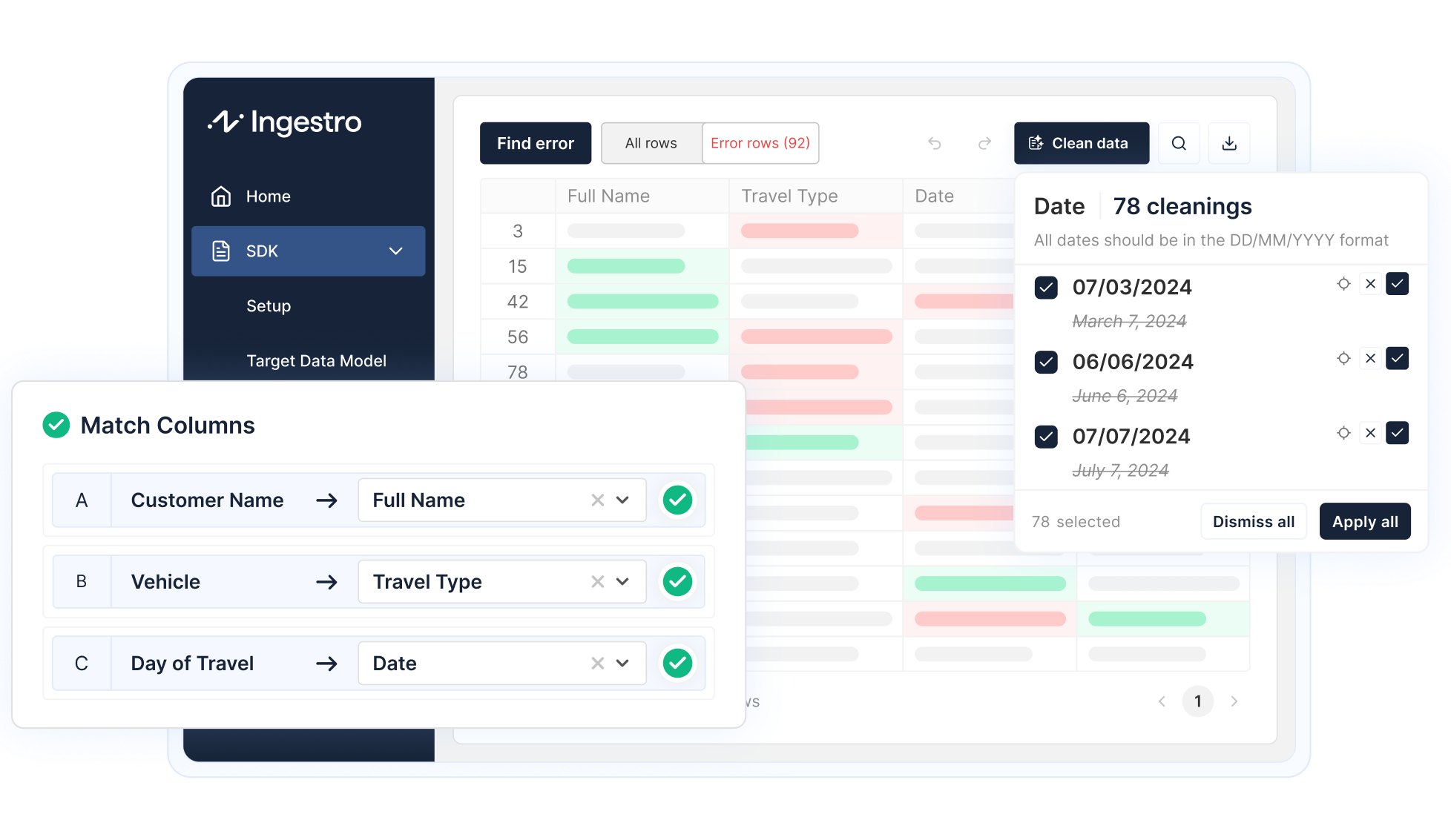
Mapping, validation, and cleaning happen in one place, and you can fix errors in bulk. Workflows can handle column changes and Excel files with multiple tabs. Colleagues can take over each other’s workflows, and recurring files can run on their own. Our team supports you directly with a shared Slack channel and a solutions architect, and Ingestro is ISO 27001 certified.
Before you approve another hire or start a platform evaluation, answer these questions with your team:
If the answers point to a cleanup effort that grows with every client, the next step may not be another hire. It can be a platform that your current team runs. Start with last month’s messiest files, measure the time saved, and use the result to build your case. To see how this works with your own files, talk to our team.
See how easily you can turn your customer files into ready-to-use data with Ingestro’s AI agents.




.png)
.png)

