Most operations, onboarding, and services teams depend on templates to standardize incoming data. Sending templates is typically straightforward, but receiving perfectly formatted responses is uncommon. When client files arrive late, incomplete, or as raw exports, teams often use macros in Excel to clean and organize data to stay on schedule.
However, macros are limited by human variability. They don’t fail because of software issues, but because static templates can’t reliably handle interactions with real people. This guide walks you through four key ways this problem breaks macros and introduces modern, scalable solutions.
A macro built for this job can break in four ways:
A better template looks like the obvious fix: clearer instructions, more built-in validation, fewer required fields. Teams try this constantly, and it rarely solves the problem completely. The person filling in the template doesn’t work for the team that designed it, and nobody measures them on how well they follow instructions. They have their own systems and their own terminology. They often don’t know their own data well enough to map it correctly, even when they’re trying to help.
These teams typically deliver a paid, deadline-bound service, so waiting for a perfectly completed template is rarely an option. The engagement has a go-live date, sometimes a contractual one. Every day spent chasing a customer for a corrected file shows up as cost rather than progress.
So someone builds a macro that absorbs the most common ways submissions come back wrong. Quietly, that macro becomes the main safeguard against template noncompliance, doing the job the template was supposed to do.
This failure is about arithmetic more than correctness. Picture a reconciliation or comparison task your team does by hand: check one returned file against another, confirm the numbers agree, flag what doesn’t. With two or three files, that might take an hour or two per client.
One operations team we’ve seen go through exactly this described the process stretching to most of a working day per client once the number of files needing cross-checks grew from two or three to ten or eleven over a normal cycle. The same team automated the task down to roughly three and a half minutes end to end.
From most of a working day per client to roughly three and a half minutes, end to end.
The manual and macro-driven process worked fine on a small scale. It just was never built to survive a growing stack of files.
This failure is easy to overlook because it doesn’t look like a bug. It looks like a missing feature nobody asked for at the time.
A macro transforms the file it’s given and nothing else. It has no live connection to your CRM, ERP, or database. Questions that matter, such as whether a row duplicates a record you already have, don’t get answered during the transformation. A person answers them later by cross-referencing two screens, or nobody answers them, and bad data goes in looking clean.
It’s tempting to read the first three failures as a question of who wrote the macro and how careful they were. They were typically careful. The deeper issue is architectural:
None of this criticizes whoever built the macro. A macro built to “clean up this one file” is being asked to become the permanent safeguard for an entire client base that will never fill in a template the same way twice.
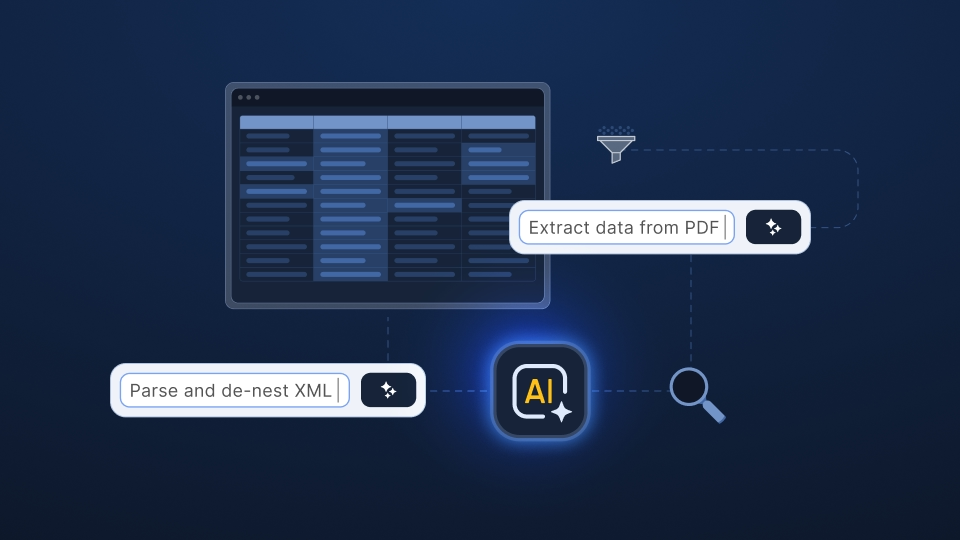
Ingestro starts from a different premise. Instead of sending a rigid template and hoping it comes back filled out correctly, you can accept whatever the customer sends, in whatever state and in whatever file type: a CSV, an Excel workbook, XML, or a PDF. AI-powered data mapping then proposes how that file translates into the structure you require. There’s no template compliance to chase, because nothing assumes the input already matches your target format.
With Ingestro, you can:
None of this requires anyone to write code. File pre-processing, column mapping, validation, and cleaning all happen in a full, visual, Excel-like interface. Someone on your implementation, onboarding, or operations team can set up even a complex workflow themselves, the way they’d work in a spreadsheet, without involving an engineer.
If your team relies on macros to clean up returned templates, these four questions are worth answering:
If any of those questions make you pause, try running your most troublesome recent file through Ingestro to see how it handles all four challenges at once.
See how easily you can turn your customer files into ready-to-use data with Ingestro’s AI agents.




.png)
.png)